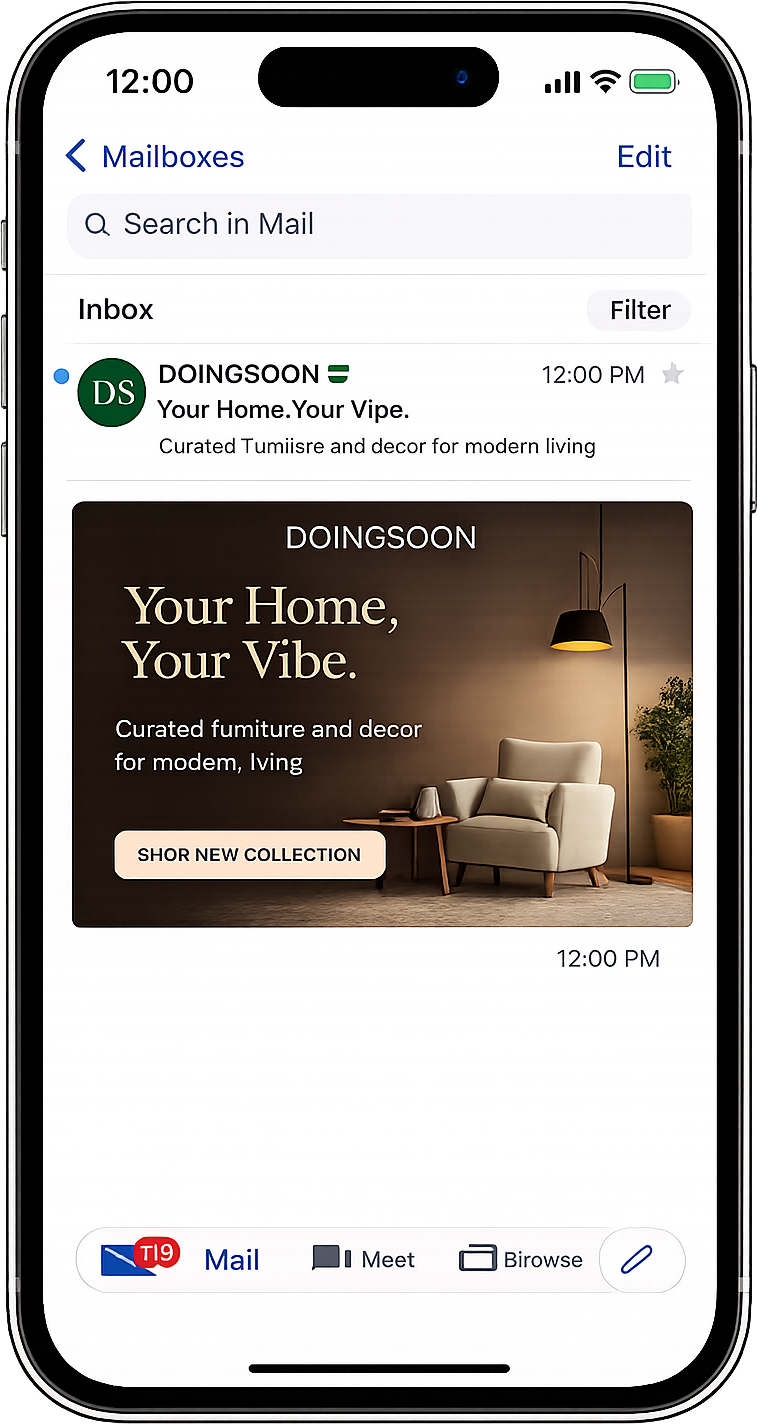
Newsletter audience selection
Choose from newsletter-enabled lists and see subscriber context before booking a placement.
Promote offers through relevant newsletter placements, connect campaign responses to owned contacts and continue follow-up across Yournotify channels.
Pick the list, issue slot, placement position, creative, CTA, image, and target URL before submitting the ad for review.

Newsletter ads let teams promote an offer inside a selected newsletter audience with previewable placements, inventory checks, issue slots, pricing, and review-ready creative.
Choose from newsletter-enabled lists and see subscriber context before booking a placement.
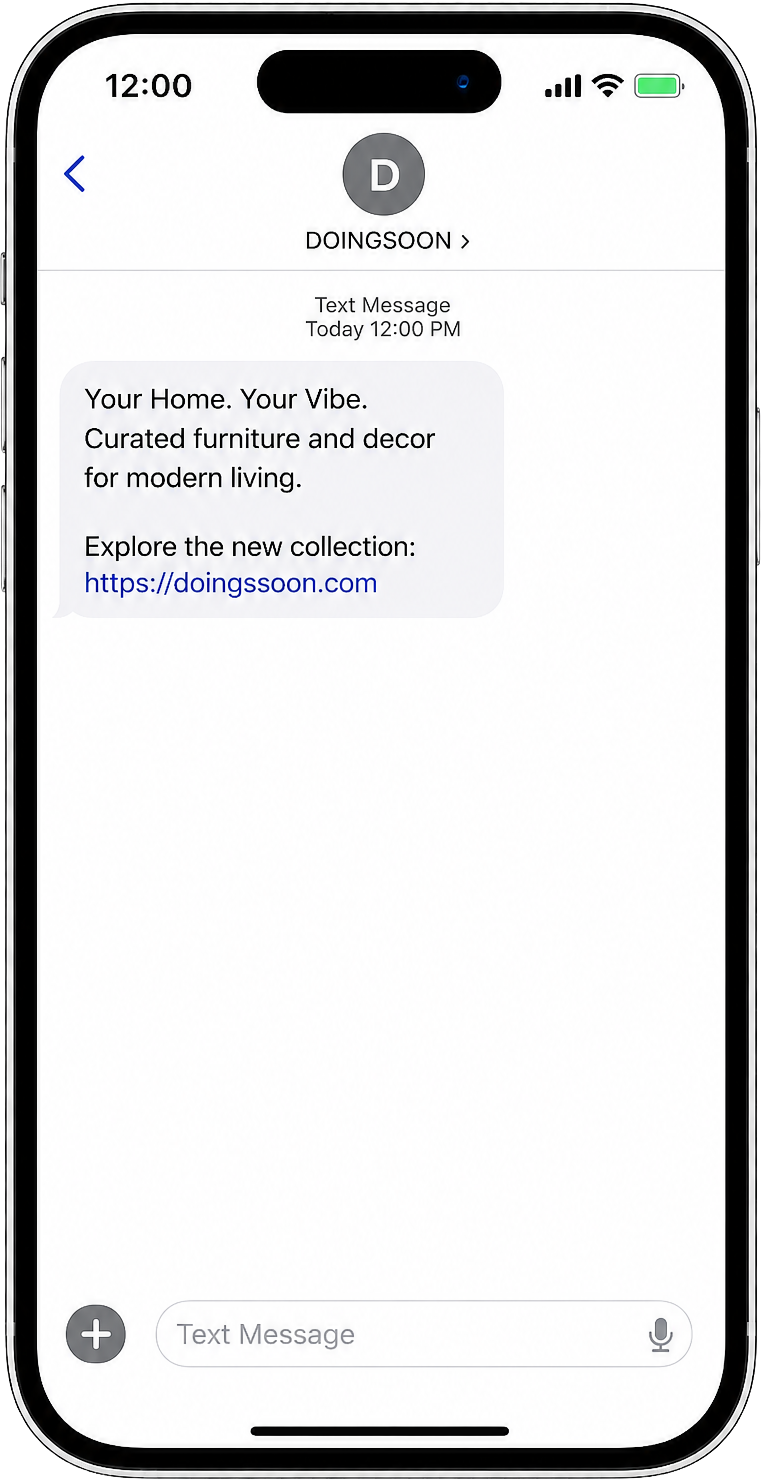
Use top feature, inline feature, footer sponsor, or dedicated email positions depending on the campaign objective.
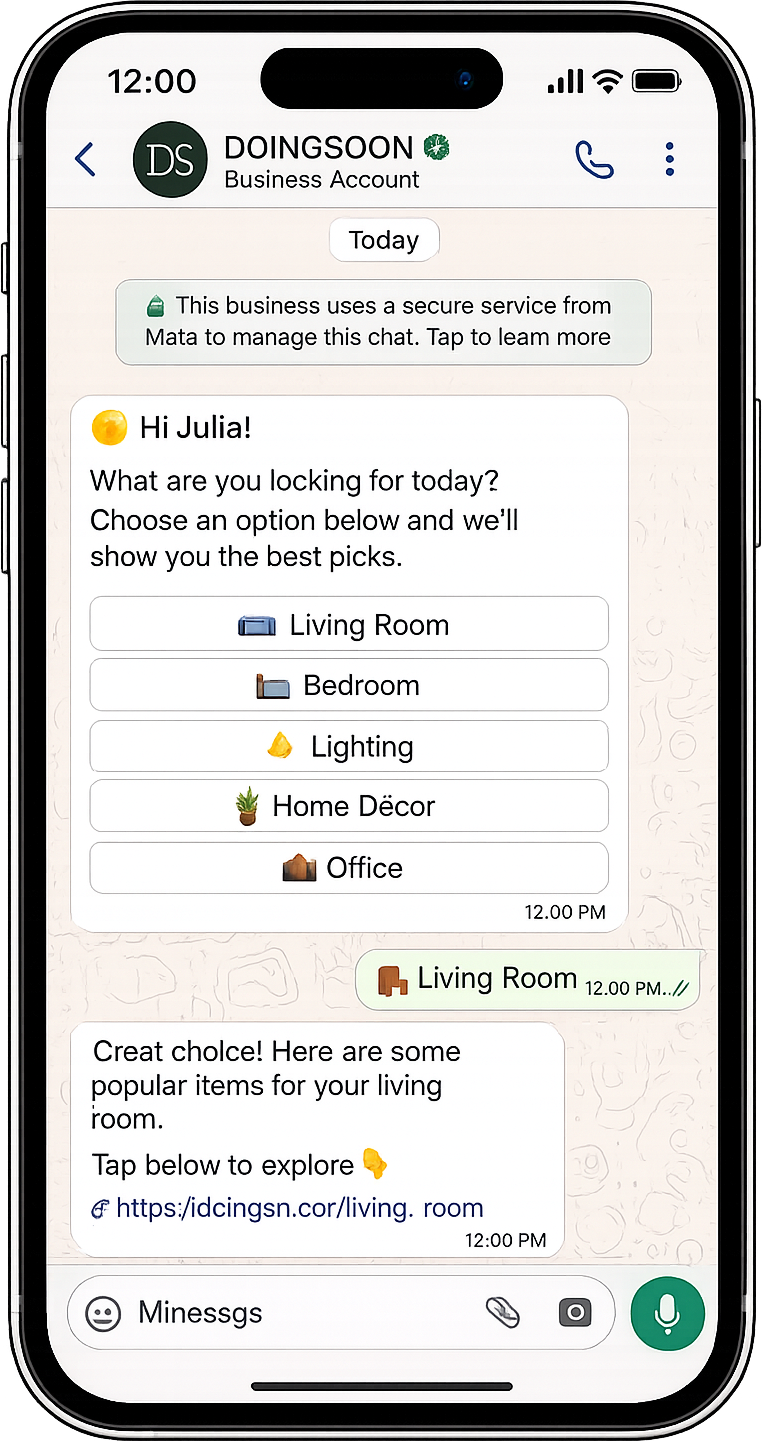
Select issue dates with available remaining placements so booking is tied to real newsletter inventory.
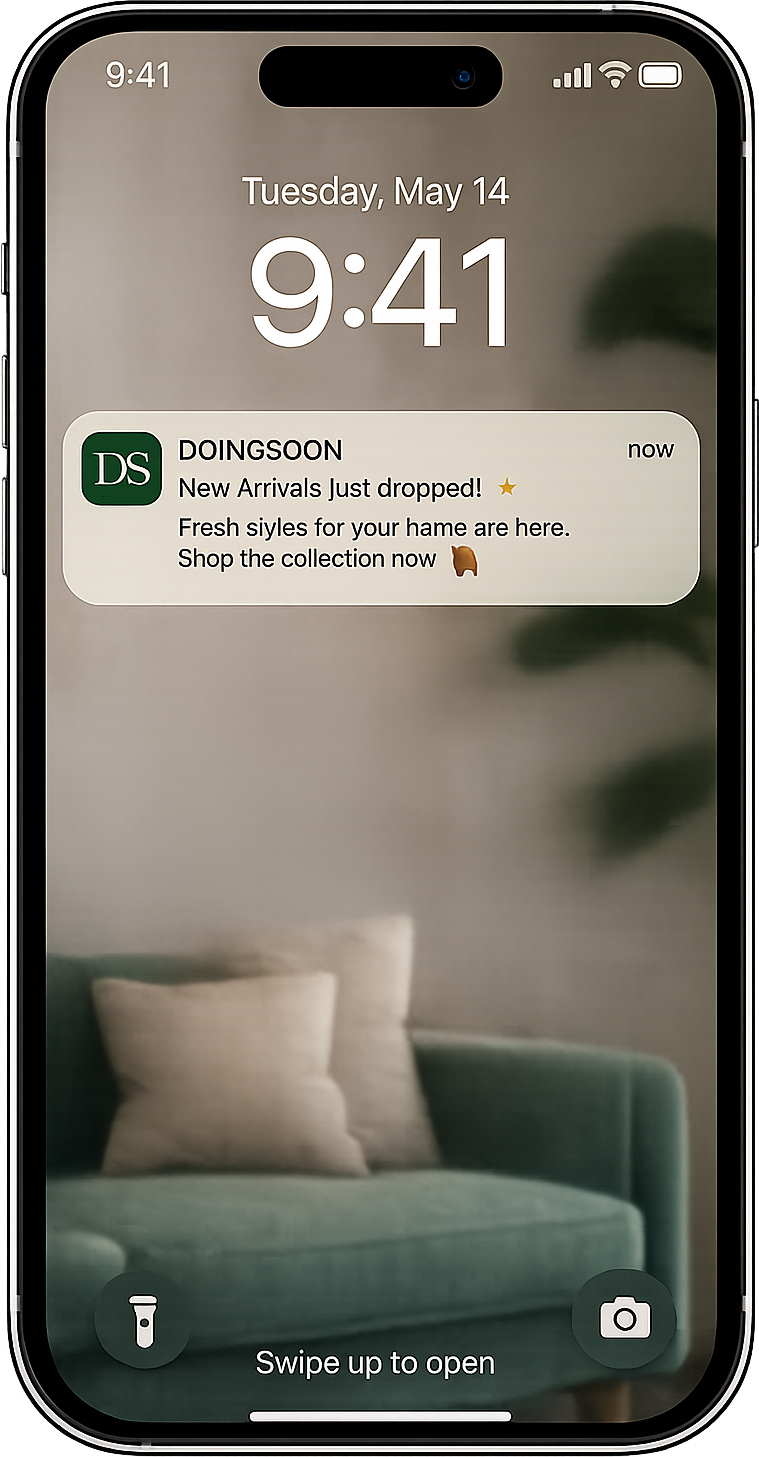
Match images to placement specs such as 1200x628, 1200x300, or 1200x675 so the ad fits the newsletter layout.
Preview how the sponsored block appears around editorial content before sending it for review.
Attach the landing page and call to action so readers can move from the newsletter placement to the intended conversion page.
Evaluate this capability around audience capture, attribution and follow-up, then connect it to the customer data and channels your team already uses.
Define the audience, qualifying action and next step before configuring tools. This keeps the workflow focused on a measurable business and customer result.
Use clear ownership, reusable content and reporting so the team can launch, review and improve the workflow without depending on disconnected spreadsheets.
Coordinate this capability with relevant Yournotify messaging, acquisition, conversation, reward and retention tools as the customer moves forward.
Answers for teams evaluating newsletter advertising for african audiences.
Capture and segment audiences, then coordinate email, SMS, WhatsApp, voice, Calls, push, in-app messages, conversations, automations, referrals, loyalty, rewards, ads, and developer APIs from one growth platform.
Get Started