LinkedIn Conversations: Availability & Alternatives

Explore Yournotify customer messaging options while checking the current availability of LinkedIn Conversations.

Customer conversations

Choose a messaging setup your team can use today.

Yournotify customer logos

Customer messaging, clearly organized.

Check LinkedIn availability and explore supported ways for prospects to contact your business.

Check LinkedIn availability

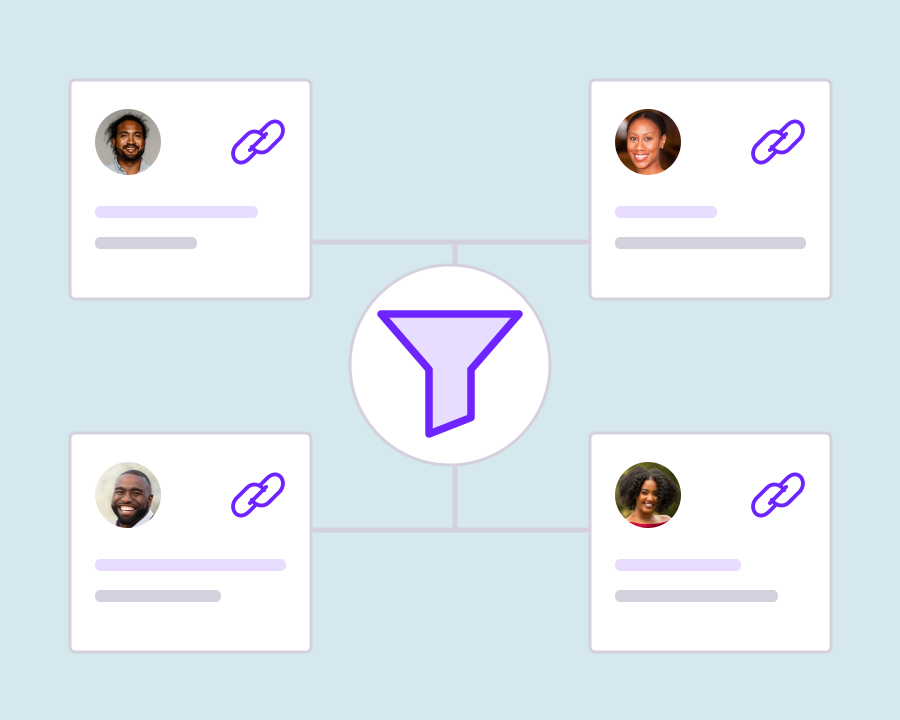
LinkedIn appears as a channel filter in the shared inbox. Reading and replying to LinkedIn direct messages are not currently available. Use the supported messaging channels for conversations your team needs to manage inside Yournotify, and keep LinkedIn direct-message exchanges in LinkedIn itself.
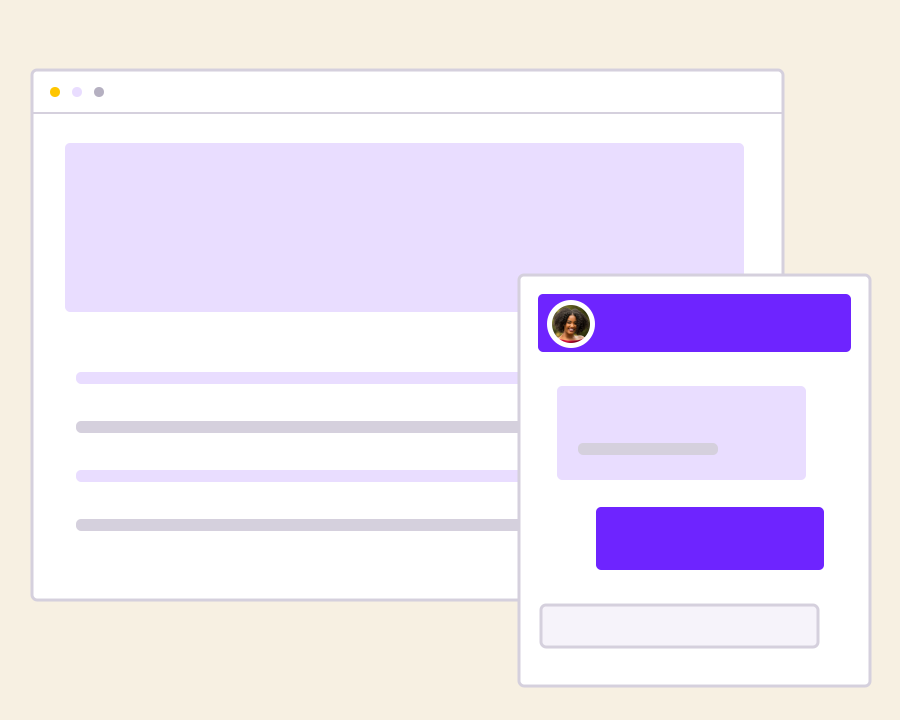
Keep LinkedIn messages in LinkedIn

Continue direct-message exchanges in LinkedIn itself. Yournotify does not currently synchronize those messages into a working reply view. Use the shared inbox for channels with supported messaging access, and give prospects an alternative contact option when your team needs to continue the exchange inside Yournotify.
Offer website chat as a contact option

Give prospects a website link with WebChat so they can ask questions in a channel your team can manage from Yournotify. Make the next step clear in your communication, helping the prospect choose to start a website conversation without implying that their LinkedIn messages will automatically appear in the inbox.

Continue on a supported channel

When a prospect chooses to contact you on WhatsApp, Instagram, Facebook or an eligible TikTok connection, handle that conversation in the shared inbox. Make the next contact step clear and let the prospect choose it, while keeping LinkedIn direct messages separate from the conversations supported inside Yournotify.

Organize permission-based follow-up

Use available contact details with the prospect’s permission. Contacts and campaign tools remain separate from a LinkedIn DM integration. Keep the reason for the follow-up clear and relevant to the earlier interaction, without suggesting that LinkedIn direct-message history has been imported into Yournotify.

Discuss your messaging requirements

Share the channels your team needs with Yournotify so we can help you choose a supported setup. Explain the accounts you want to connect and the conversations you need to handle, so the discussion focuses on available access, reply options and a practical workflow for your team.

A practical inbox for your customer-facing team.

Choose the channels your customers use, confirm account access and give teammates the permissions they need.

B2B enquiries

Give prospects clear, supported ways to contact your sales team.

Website conversations

Use WebChat when visitors want answers while browsing your site.

Channel planning

Confirm account eligibility and the actual messaging features available before designing your team workflow.

Frequently asked questions

Setup, supported messaging and everyday inbox use.

No. The current shared inbox includes a LinkedIn filter, but LinkedIn message reading and replies are not available.

No LinkedIn message scraping or automatic DM synchronization is offered by this Conversations page.

Use WebChat, WhatsApp, Instagram, Facebook and eligible TikTok Business Messaging connections for supported customer conversations.

No. There is no automatic channel transfer. The customer must choose to contact you through the supported channel.

Contact Yournotify with your messaging requirements for current setup guidance.

Read setup guides and more FAQs →   Explore API documentation →

Bring customer conversations into one workspace.

Connect your supported channels and give your team a clearer view of customer messages.

Get Started