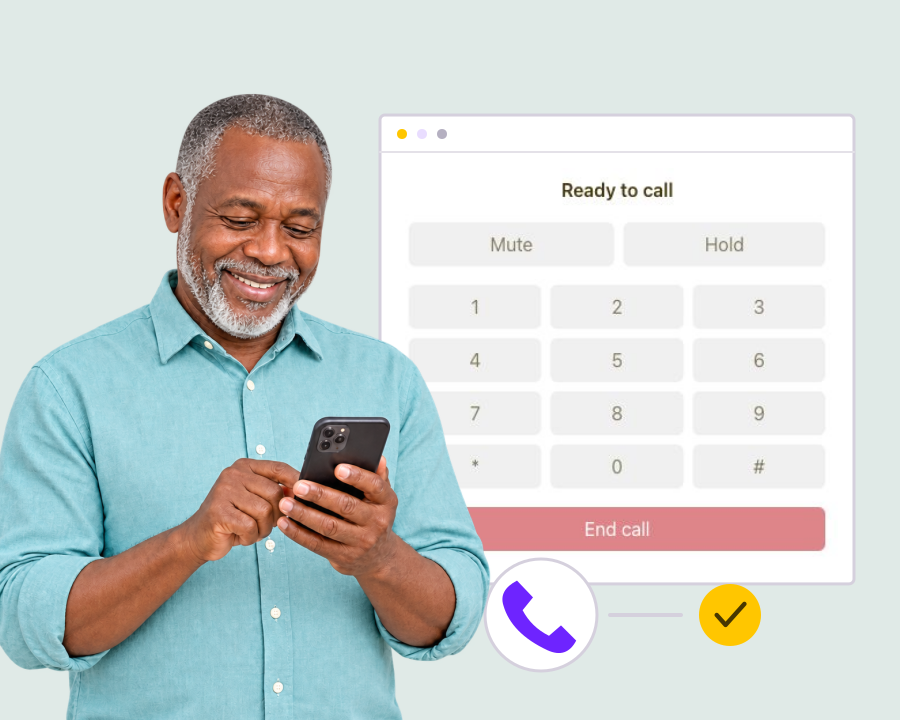
Make phone calls from your browser
Call a customer from your browser using an active assigned Calls number. Choose an existing telephone contact or enter a local number, then start the conversation from your workspace.
Make phone calls online from your browser to local mobile and landline numbers in Nigeria and Kenya. Keep contacts, call history, recordings and incoming call forwarding together in Yournotify, built for teams across Africa.
Live conversations, contact history, optional recordings and call reports in one customer workspace.

Bring live sales and support calls into the same workspace as customer records, campaign context and follow-up. Use assigned business numbers in supported regions.
Call a customer from your browser using an active assigned Calls number. Choose an existing telephone contact or enter a local number, then start the conversation from your workspace.

Keep calls connected to the customer record. Select existing contacts, save new contacts with the right permissions and review call activity alongside the wider customer relationship.
View product
Use mute, hold, keypad and hangup controls while a call is active. Prepare and edit call drafts, then start each live conversation when your team is ready. Keep the customer’s details and the purpose of the call in view so the conversation starts with the right context and a clear next step.

Configure inbound forwarding on an active Calls number to a supported telephone destination in the same country. Activation requires number setup and an available inbound rate.

Enable recording when appropriate for the conversation and required consent. Review available audio from the call report, subject to recording configuration and account storage.

Review incoming and outgoing call outcomes, duration, contact details and usage. Filter call history and export reports to support sales and service review. Use the results to understand the customer interaction and review the next action, keeping call activity connected to the wider relationship and your team’s operating process.
Use Calls for direct sales and service conversations. Use Voice for automated campaigns, recorded messages and interactive voice response. Both remain distinct products in Yournotify.
Call a qualified lead when a direct conversation will help. Select the telephone contact, keep the call linked to their history and continue follow-up through the right customer channel.
Handle direct customer calls and configure incoming calls to forward to an approved local destination. Review call outcomes and available recordings from the Calls workspace.
Calls currently supports configured numbers in Nigeria and Kenya. An active assigned number, supported same-country destination and sufficient call credit are required; availability depends on regional provisioning.
Practical answers about online calling, supported numbers and call setup.
Read setup guides and more FAQs → Explore API documentation →
Capture and segment audiences, then coordinate email, SMS, WhatsApp, voice, Calls, push, in-app messages, conversations, automations, referrals, loyalty, rewards, ads, and developer APIs from one growth platform.
Get Started