TikTok DM Management & Shared Inbox

Manage TikTok customer direct messages and supported image replies alongside your other conversation channels.

Customer conversations

Bring customer DMs into your team’s daily workflow.

Yournotify customer logos

Customer messaging, clearly organized.

Connect eligible TikTok messaging, review incoming questions and respond with supported text or image replies.

Connect TikTok Business Messaging

Authorize an eligible TikTok Business Account through Integrations with approved Business Messaging access and the required permissions. Confirm the account’s access before connecting, then manage the supported customer messages and reply options available to that connection inside your team’s shared inbox.

Bring direct messages into your inbox

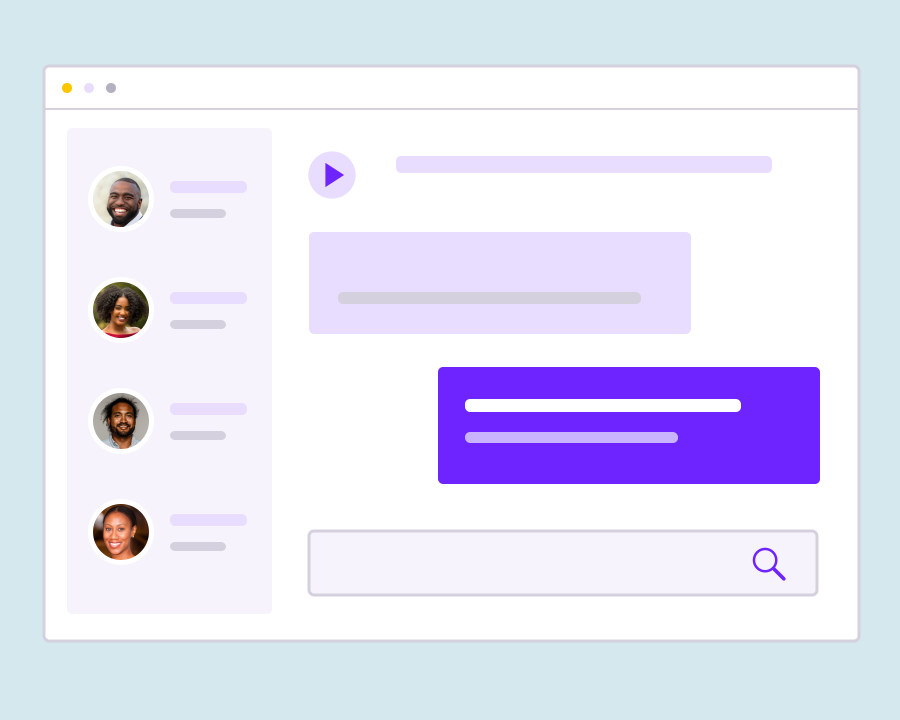
Receive supported customer DMs in Conversations with unread counts, message history and notifications. Read the incoming enquiry alongside the available thread before replying, helping your team keep the exchange focused and understand what the customer has already asked.

Answer customer questions

Send text replies from the conversation thread. TikTok controls reply windows and quotas; this integration does not start unsolicited conversations. Review the available message history and the reply options for that thread, keeping each response relevant to the enquiry the customer has already started.

Share supported images

Send JPG or PNG images from Media where TikTok enables image sharing for the conversation. Text and images are sent separately. Choose an image that helps answer the customer’s enquiry and check the options available in the thread before sending, as sharing permissions depend on the conversation.

Review available history

Use Sync Now to import available recent conversations. TikTok limits imported history to recent conversations and a limited number of messages per thread. Use the history returned by the connection to understand the current enquiry, and avoid assuming that older exchanges or every past message will be available in Yournotify.

Close completed conversations

Close a thread when the exchange is finished. A new customer message reopens it; block unwanted conversations when needed. Use the thread’s status to separate finished exchanges from active enquiries, making the inbox easier for the team to review while keeping the conversation history available.

A practical inbox for your customer-facing team.

Choose the channels your customers use, confirm account access and give teammates the permissions they need.

Sales enquiries

Answer questions about products, availability and next steps while keeping the conversation history close.

Customer support

Review earlier messages and supported attachments before responding, so customers can continue the same conversation.

Shared team access

Give teammates the appropriate conversation permissions and use the inbox to see which messages still need a reply.

Frequently asked questions

Setup, supported messaging and everyday inbox use.

An eligible TikTok Business Account and an approved Business Messaging connection are required. Availability depends on TikTok account region, permissions and provider approval.

No. This integration replies to supported customer conversations. It does not initiate unsolicited messages to arbitrary TikTok users.

Supported image replies use JPG or PNG files up to 3 MB where the conversation has image capability. Text and images must be sent separately; sending videos, audio or documents is not supported.

No. TikTok Conversations covers direct messages. Public comments, TikTok Shop messages and advertising management are not included.

TikTok provides conversations from the last 90 days and up to the latest 20 messages per conversation for synchronization. Older content may not be available.

Yes. Disconnecting disables local sending and message ingestion while existing history remains available. The account owner can also revoke authorization in TikTok.

Bring customer conversations into one workspace.

Connect your supported channels and give your team a clearer view of customer messages.

Get Started