Contact List Management for Marketing Teams

Turn returned lead records into an organized working audience. Review each person’s company and contact details, open the list associated with the search, and continue managing suitable contacts in Yournotify with clear source context and appropriate communication permissions.

From search results to a usable contact list

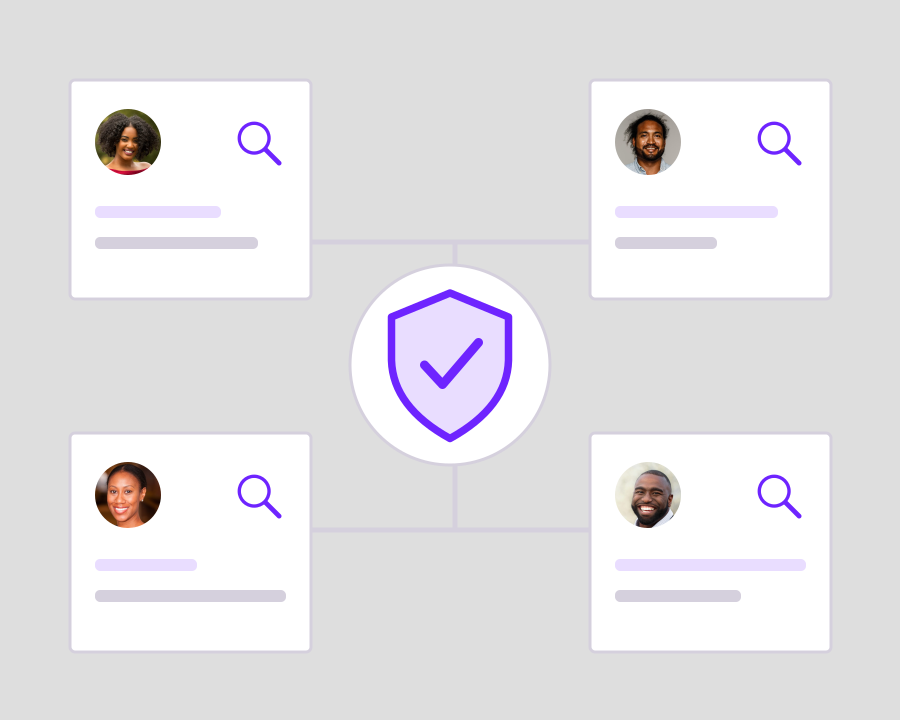
Keep the returned records, their linked profiles and the working list connected as your team moves from discovery into contact management.

Yournotify customer logos

From search results to a usable contact list.

Keep the returned records, their linked profiles and the working list connected as your team moves from discovery into contact management.

Review a searchable lead table

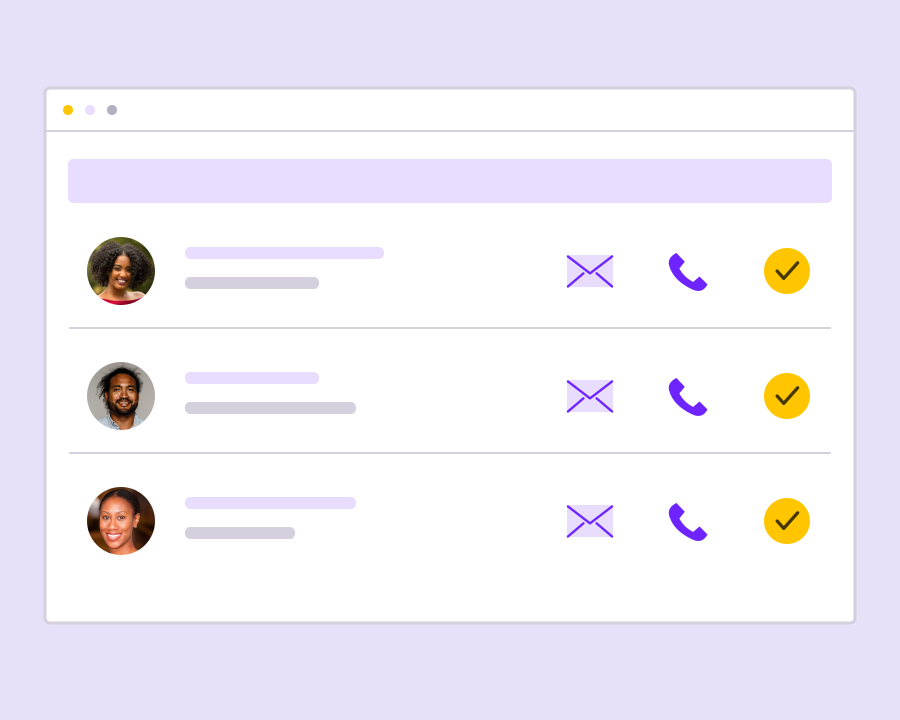
See each result’s name, profession, company, location, email and telephone in the Contacts tab. Search the table and sort the available columns to find relevant people without working through an unstructured export or losing the context of the original search.

Open the list created for the run

Use Open contact list when a search has an associated list. This takes your team from the acquisition results into the working contact audience, where the list becomes the reference point for organizing and reviewing the people you have collected.

Continue into linked customer profiles

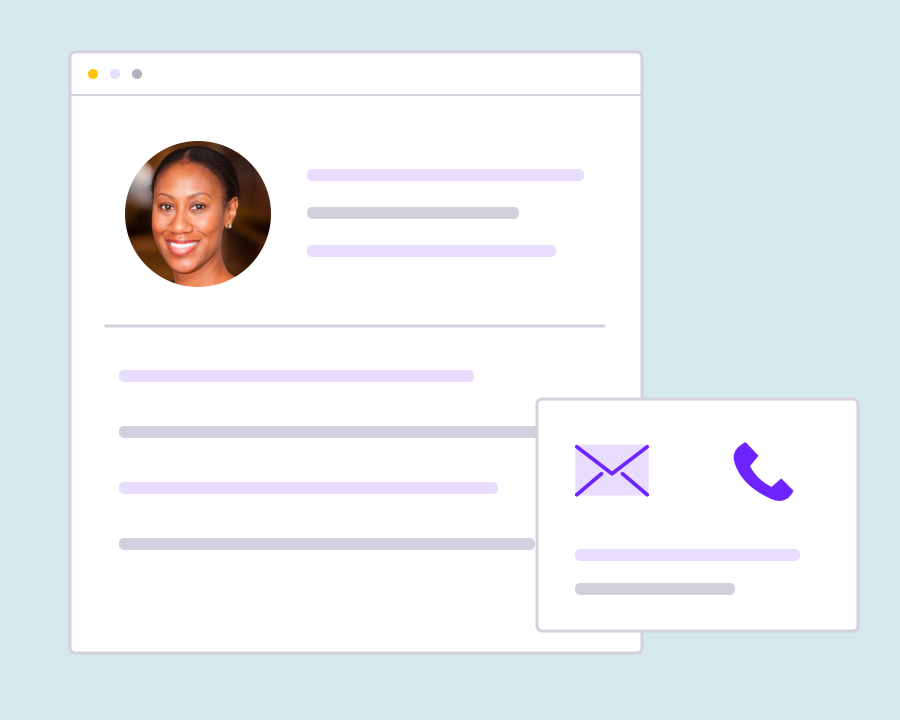
Results linked to a synced contact can open that person’s profile from the table. Use the profile to review the customer information held in Yournotify and keep later contact management connected to the record rather than maintaining a separate prospect spreadsheet.

Keep acquisition sources understandable

Use clear names for searches and lists so teammates can recognize why the audience was collected. Review the company, role and location information before combining contacts with other groups or deciding which follow-up is relevant to that audience.

Prepare contacts for appropriate follow-up

Finding an email address or telephone number is only one step in building a useful audience. Review the purpose, available data and communication permissions before using a list for email, SMS, WhatsApp or other customer-facing activity in your workspace.

Get started with Contact List Management for Marketing Teams.

Inspect the returned records

Review relevance and available contact details in the search’s Contacts tab.

Move into the working list

Open the associated contact list and use linked profiles to continue managing the audience.

Keep follow-up relevant

Use suitable contacts with the permissions and channel preferences needed for the communication you intend to send.

Frequently asked questions

Setup and everyday use of Contact List Management for Marketing Teams.

Open the search’s Contacts tab. It shows the returned records, with an Open contact list link when the run has an associated list.

Yes. The results table supports search, column sorting and pagination across the available contact information.

Contact availability is not the same as marketing permission. Review consent and the requirements of each communication channel before sending.

Read setup guides and more FAQs →   Explore API documentation →

Keep follow-up relevant.

Turn returned lead records into an organized working audience. Review each person’s company and contact details, open the list associated with the search, and continue managing suitable contacts in Yournotify with clear source context and appropriate communication permissions.

Get Started