Enrich business contacts for more useful follow-up

Build a clearer view of the people and businesses in your pipeline. Use lead enrichment to add email, telephone and business context to your contact workflow, then organize the resulting records for relevant customer engagement.

Build on the contact information you already have

Enrichment starts with an identified person and looks for available contact details, giving your team a different workflow from searching for a new audience.

Yournotify customer logos

Turn contact data into a useful next action.

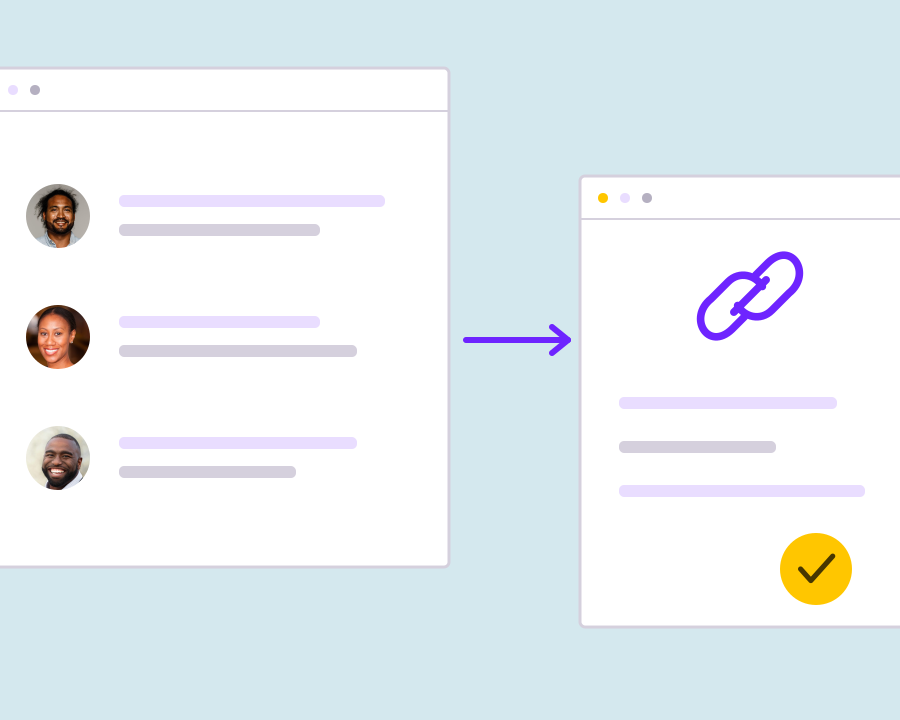
Start with the person or business you need to understand, request the contact details that matter and review the matched information. Keep useful results connected to the records your team works with.

Start with an identifiable contact

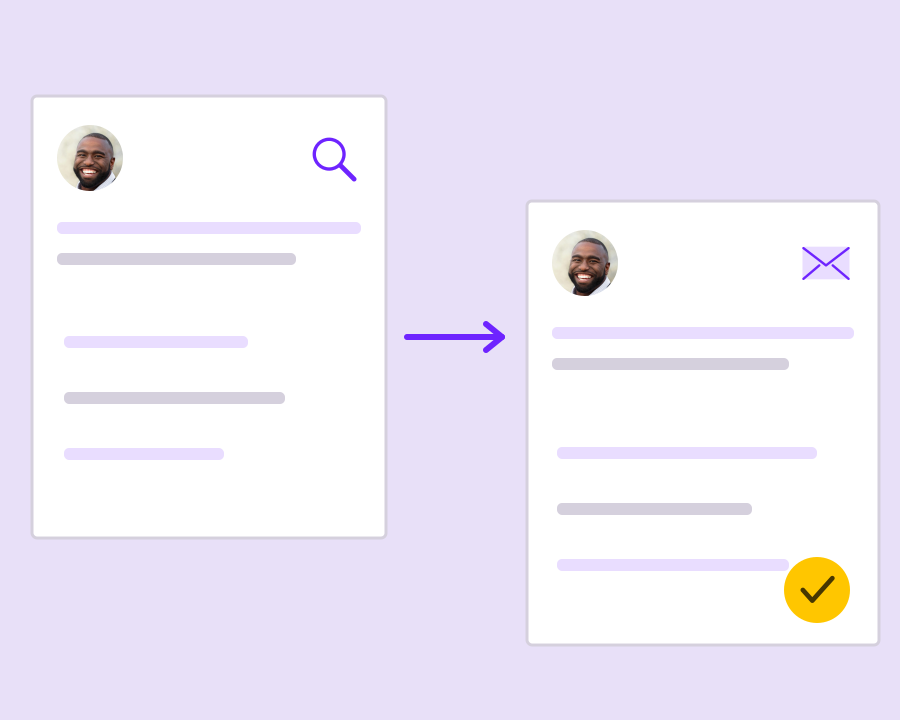
Provide a known name, email address or supported professional profile reference as the basis for enrichment. Include the identifying information you already have so the request is grounded in a specific person rather than a broad audience search.
Request the missing contact channels

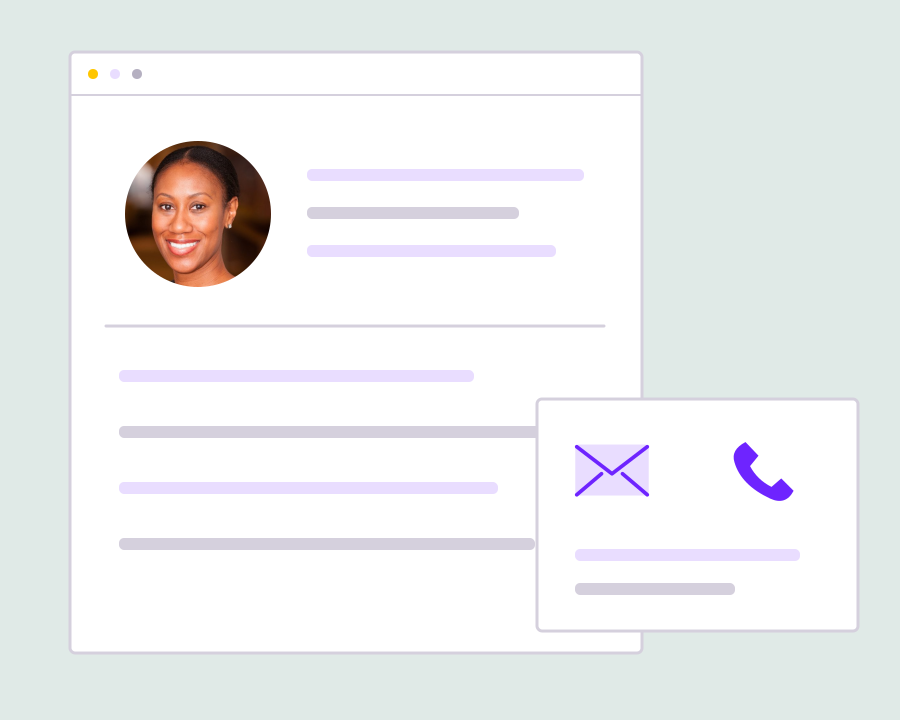
Choose whether to look for email information, telephone information or both. This keeps the enrichment task tied to the details your team needs, while allowing you to review the available matches without assuming that every field can be completed.

Review the returned business context

Inspect the matched contact details alongside the available name, role, company and location. Use that context to assess whether a result belongs to the intended person before treating the returned information as part of your working contact audience.

Keep enriched records connected

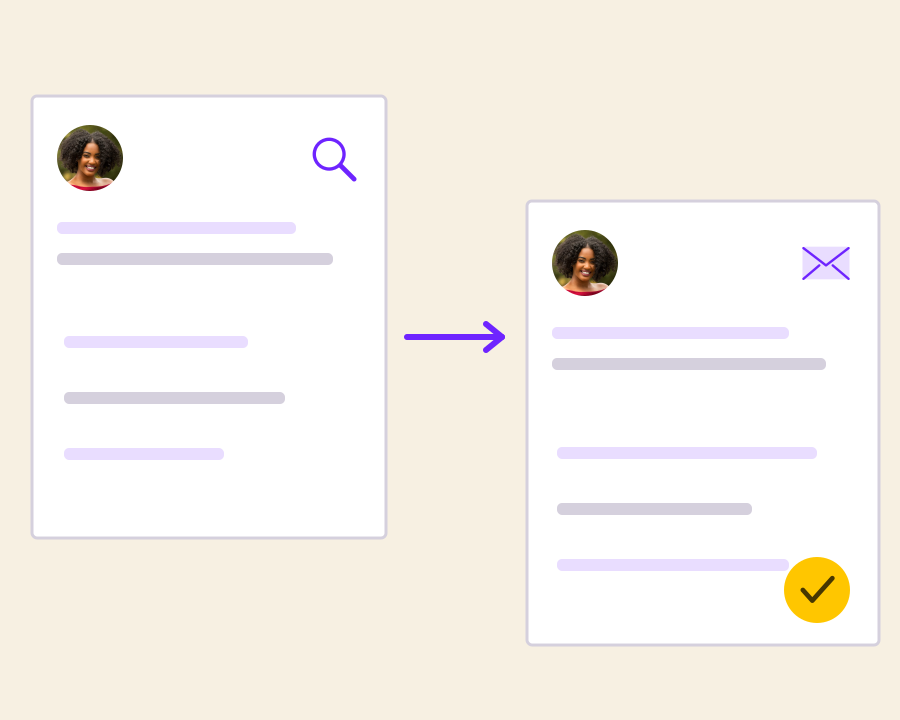
Review the enrichment run and the list associated with its results, then continue into linked contact profiles where available. Keeping those connections visible helps teammates understand how the contact data entered the workspace and where to review it later.

Get started with B2B Contact Data Enrichment.

Identify the starting records

Use known contact information as the basis for the enrichment request.

Check match relevance

Review the returned business context and available channels before using the result.

Put enriched data to work responsibly

Keep the source context and appropriate communication permissions alongside your working contacts.

Frequently asked questions

Setup, use cases and practical answers for your team.

Enrichment brings useful contact and business information into the lead workflow, such as returned email, telephone and company details. It helps your team make a more informed decision about the next follow-up.

Yes. Select the contact data you need in the relevant lead workflow, then review the returned fields. Choose the channel that supports the action your team intends to take.

Save or sync the relevant results into your contact workflow and organize them into an appropriate list or segment. Keep the source and useful attributes with each record so campaign planning has context.

Yes. Share the source data and desired output with our team, or use the documented Leads API workflows to connect discovery and result handling to your own application.

Read setup guides and more FAQs →   Explore API documentation →

Put enriched data to work responsibly.

Add available email and telephone details to business contacts you can already identify. Use known names, email addresses or profile references as the starting point, then review the matches and linked contact records before using the enriched audience.

Get Started