Find the business contacts your team needs next

Search for relevant business contacts using location, job title and other available filters. Choose email, telephone or both, review the results and connect useful prospects to an organized Yournotify follow-up workflow.

Define the audience before you search

Use a focused search brief, account-available locations and the right contact options to make the resulting audience easier to evaluate.

Yournotify customer logos

Start with a clear picture of your ideal prospect.

Translate your target audience into a focused search. Combine location and professional criteria, choose the contact details you need and review the matches before moving them into your working audience.

Start with the prospect you need

Use keywords, job title, company and industry to describe the people you want to find. A clear search brief helps your team focus on relevant business contacts instead of relying on a broad list that needs extensive review afterward.
Narrow the professional and location filters

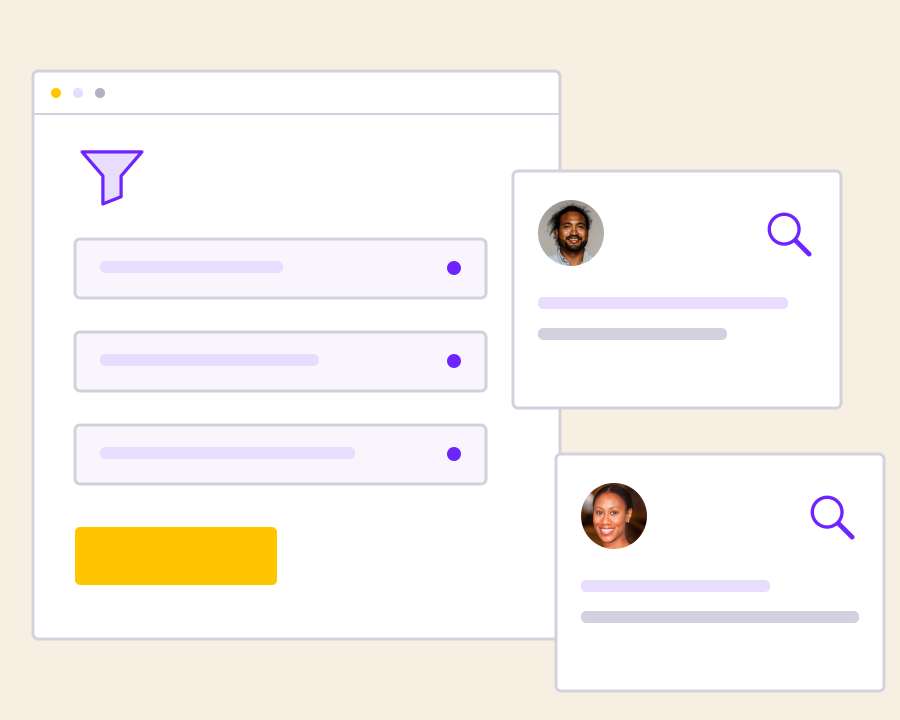
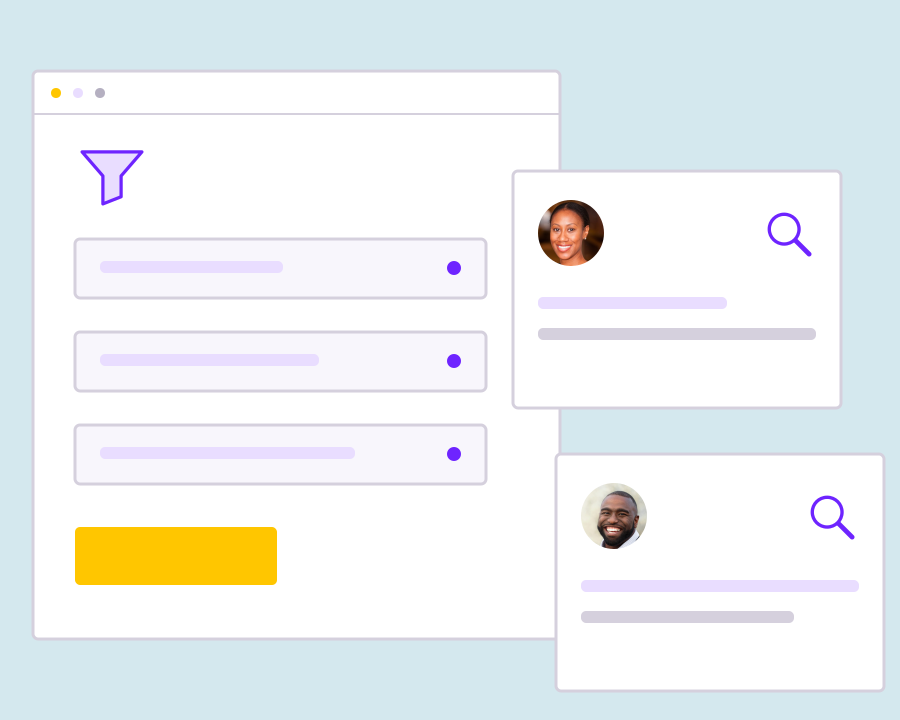
Refine the search with available location and advanced professional filters, such as department, seniority or company size. Location choices follow the account’s supported country setup, helping you keep the request aligned with the audience your workspace can search.

Choose email, telephone or both

Select the contact types you need for the search and review the account’s displayed pricing before proceeding. Available results depend on the matching data, so selecting a contact type does not guarantee that every returned person has that information.

Save the brief before processing

Give the search a recognizable name and save a draft while you refine the filters. When you start processing, Yournotify keeps the run and its status available so the team can return to the same acquisition task and review the outcome.

Evaluate matches before the next step

Review returned people in the Contacts tab and use Analytics to understand email coverage, telephone coverage and sync progress. Keep the result quality in view before planning a new search or moving suitable contacts into permission-based follow-up.

Get started with B2B Lead Search.

Describe the ideal prospect

Choose the business roles, companies and locations that make a person relevant to your offer.

Review the search setup

Confirm contact types, search scope and displayed costs before starting the acquisition run.

Turn matches into a focused audience

Inspect the results and refine the next search using the relevance and contact coverage you observe.

Frequently asked questions

Setup, use cases and practical answers for your team.

Read setup guides and more FAQs →   Explore API documentation →

Turn matches into a focused audience.

Find business prospects by the characteristics that matter to your team. Combine role, company, location and industry filters, choose the contact information you need, and review the returned records before turning a search into a working audience.

Get Started