Online Lead Capture Forms

Collect contact details directly from interested visitors with a form designed around your purpose. Choose the fields you need, connect submissions to a list, and review the responses so registrations, enquiries and feedback can lead to relevant follow-up.

Capture the details your next step depends on

Build a clear form experience that connects the visitor’s answers with the audience and workflow your team intends to use.

Yournotify customer logos

Capture the details your next step depends on.

Build a clear form experience that connects the visitor’s answers with the audience and workflow your team intends to use.

Choose fields around the purpose

Build the form around the information you need to collect, such as contact details, an enquiry or a registration response. Use understandable labels and required fields where necessary so visitors can see what they are being asked to provide.
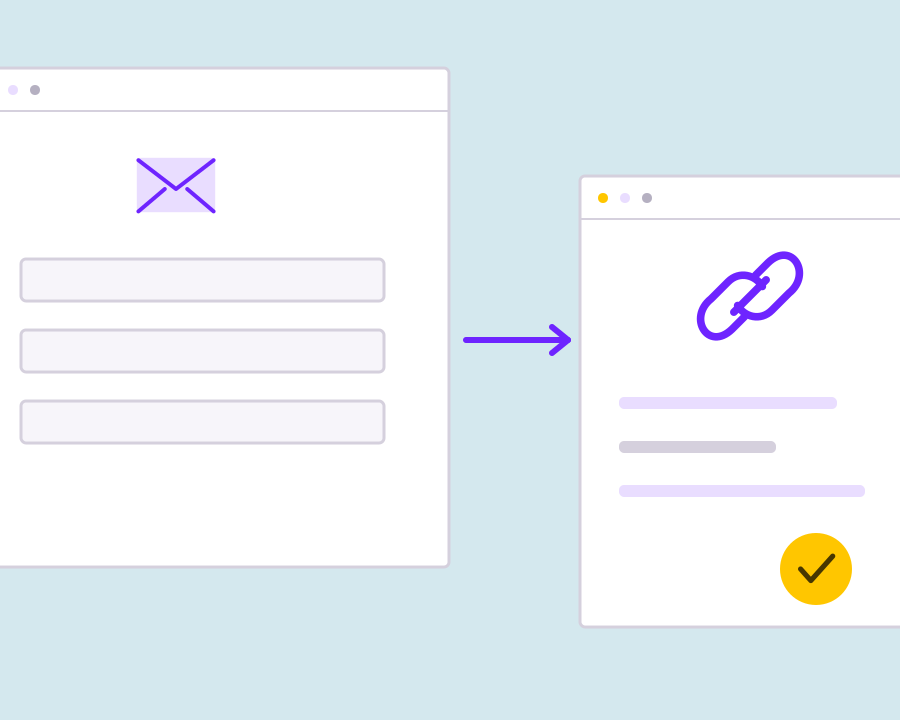
Present a clear form experience

Use the form’s design settings to make the published experience fit the purpose of the page. Keep the introduction and submission action clear, whether the visitor is requesting information, joining an audience or responding to a survey.

Connect responses to the right list

Assign the form to the intended audience list so collected contacts enter an organized workspace. A separate list for each purpose can help the team understand where an enquiry or signup came from when planning the next communication.

Review answers and submission activity

Open the form’s submissions and analytics to inspect the responses collected. Use the submitted details to understand the visitor’s request, check participation and decide what useful action your team should take after the form has been completed.

Add an incentive when the task calls for it

For a qualifying survey, registration or lead campaign, connect the form to a configured reward workflow. Keep the required action, claim conditions and fulfilment process clear so the incentive supports the original form purpose and the customer knows what to expect.

Get started with Online Lead Capture Forms.

Define what you need to collect

Choose the purpose, audience and fields before designing the form.

Check the published journey

Review the labels, required fields, list assignment and what happens after submission.

Respond to the customer’s intent

Use the collected answers for a relevant next step, with clear permission for any ongoing communication.

Frequently asked questions

Setup and everyday use of Online Lead Capture Forms.

No. Design the fields around the information you want to collect, and use required fields only where the form needs an answer.

Yes. Assign each form to the list that matches its audience or purpose so responses remain organized.

A form-linked reward can connect eligible submissions to the configured incentive. Review the reward’s claim rules, budget and fulfilment settings before publishing.

Read setup guides and more FAQs →   Explore API documentation →

Respond to the customer’s intent.

Collect contact details directly from interested visitors with a form designed around your purpose. Choose the fields you need, connect submissions to a list, and review the responses so registrations, enquiries and feedback can lead to relevant follow-up.

Get Started