Leads and Enrichment
Create a lead search around the businesses and professional roles you want to reach. Choose relevant filters and whether you need email, telephone or both, then review the resulting contacts.
Save useful results and sync them into your audience workflow so your team can organize the next follow-up.
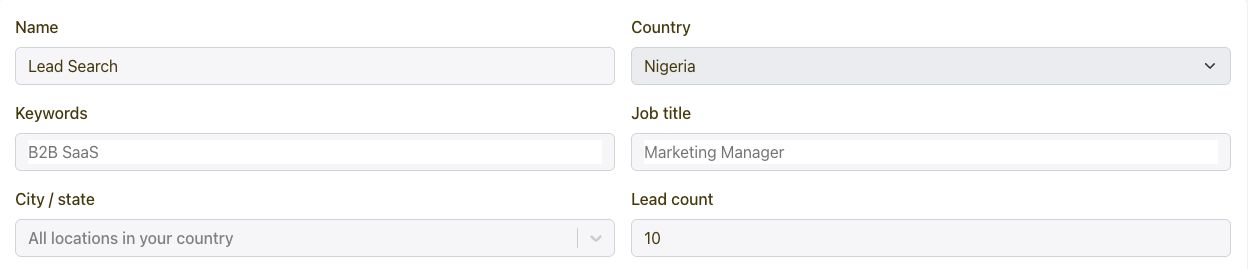
Yes. Lead searches support email and telephone contact options. Filter for the audience you need, select the contact data you want included and review the result fields.
Use the search results and coverage indicators to choose the contacts that fit your outreach plan.
Enrichment adds useful information to a business contact, such as email, telephone or company details returned by the lead workflow. It helps turn a basic record into one your team can understand and act on.
Choose the data you need for the next step, review the matched results and keep your saved customer attributes consistent.
Review the saved search and select the results you want to use. Use the contact sync workflow to connect those results to your Yournotify audience, then organize them into the appropriate list or segment.
Keep source context in your contact data so your team understands where a record came from and can plan a relevant follow-up.
Yes. The Leads API covers search setup, saved results and related contact workflows. Use it when lead discovery needs to fit into your own application or internal process.
Prepare the filters and requested contact fields, then use the returned search identifier to retrieve and review the results.