Connect lead discovery to your application

Build lead search and contact workflows into the tools your team already uses. Submit a focused search, retrieve the results and connect email, telephone and business data to an organized customer acquisition process.

Connect acquisition steps through the API

Build around the same run, result and contact concepts used by the Leads workspace, with explicit inputs and a reviewable processing outcome.

Yournotify customer logos

Make lead discovery part of your existing workflow.

Use the Leads API to prepare search criteria and follow the resulting records. Connect the output to the lists, customer records and follow-up processes that turn useful data into action.

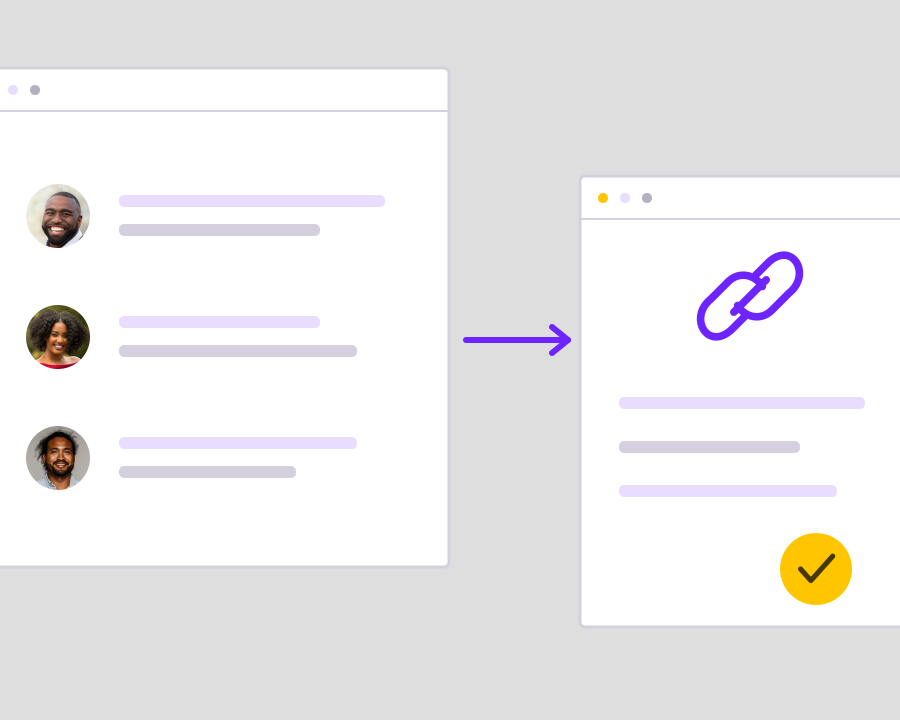
Submit a defined acquisition request

Provide the search filters or identifying contact information required by the selected workflow. Choose email, telephone or both and keep the request tied to a clear audience or enrichment task, using the permissions and limits available to the account.

Track the acquisition run

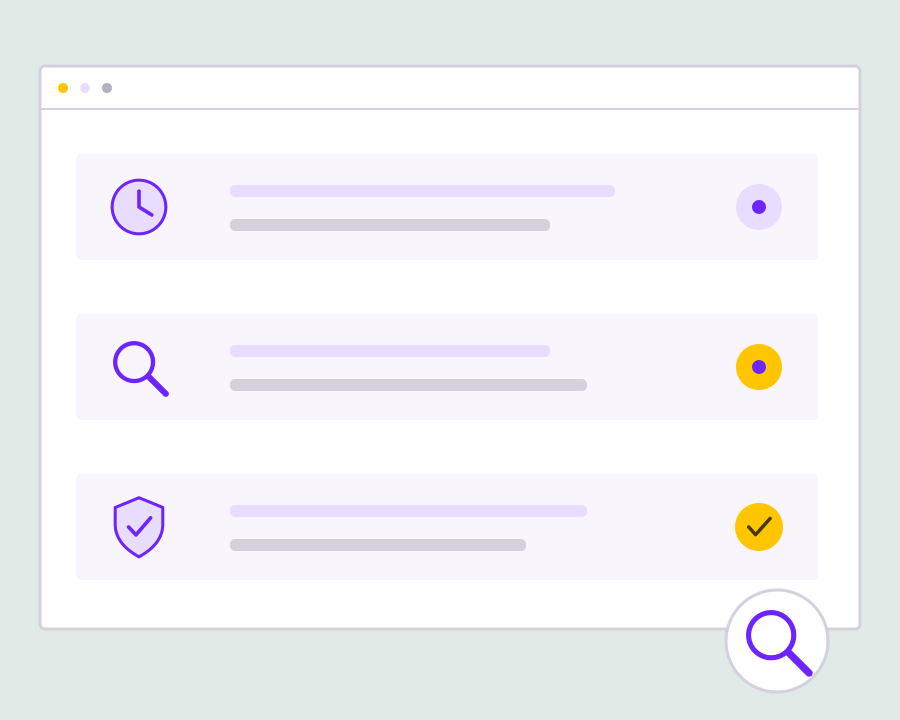
Keep the returned run identifier so your application can retrieve its state and results. Processing, completion and failure information help you decide when to show progress, inspect the response or ask an operator to review the request.

Read records and coverage metrics

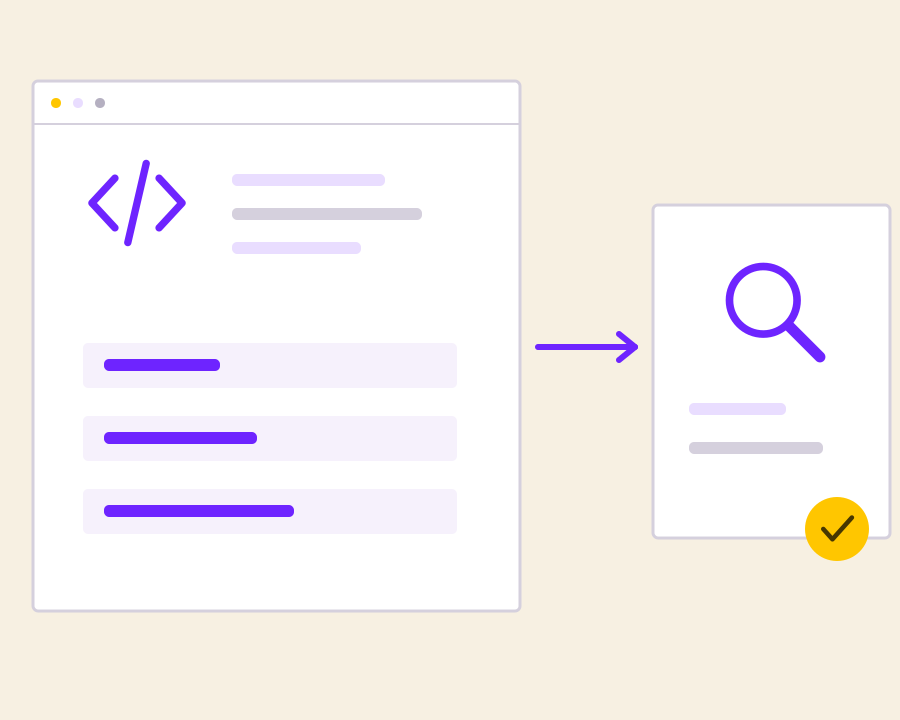
Retrieve the returned people and their available contact details, then use the run analytics to review total leads, email matches, telephone matches and synced contacts. Treat these as data-availability measures rather than a promise of campaign or sales performance.

Connect results to working contacts

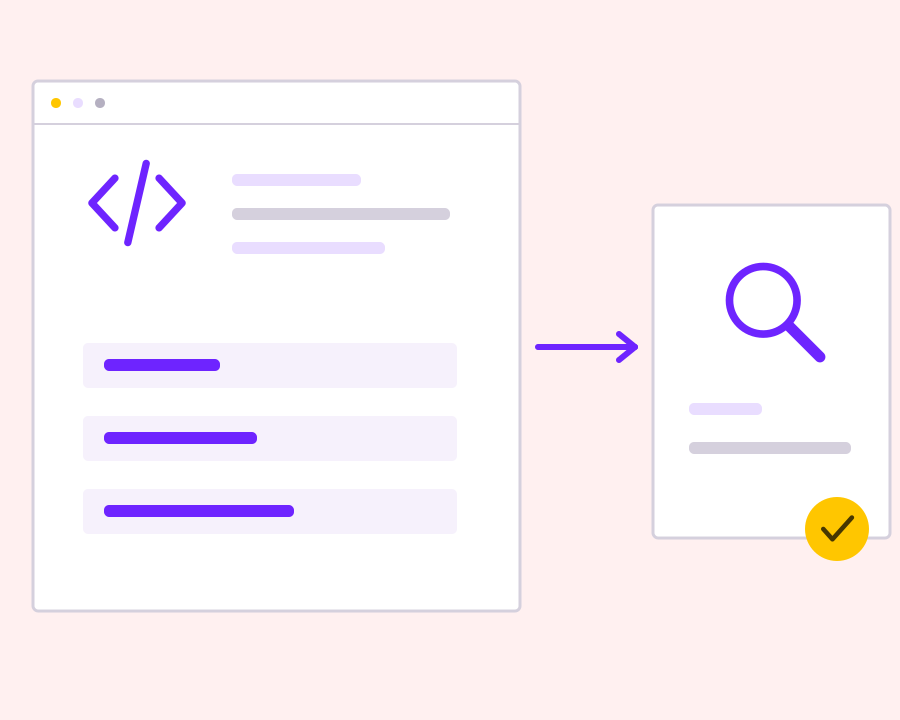
Use the supported sync workflow to connect selected lead records to Contacts and Lists. Preserve the run and list context in your integration so users can find the resulting audience and understand where the contact information came from.

Handle empty results and failed requests

Build explicit handling for no matches, validation errors and unsuccessful processing. Show a useful result to the operator and review the request before repeating it, rather than assuming every accepted acquisition task will produce a full set of contacts.

Get started with Lead Generation API for Product and Growth Teams.

Map the acquisition input

Choose search or enrichment and define the contact types your integration requires.

Retain the run reference

Use the run identifier to track progress, inspect results and retrieve the corresponding metrics.

Build a reviewable contact workflow

Connect suitable results to the working audience while preserving source context and communication permissions.

Frequently asked questions

Setup, use cases and practical answers for your team.

Create and manage lead search workflows, read saved search results and connect the resulting data to your customer acquisition process. The API reference documents the current operations and required fields.

Yes. The search configuration supports email and telephone options. Choose the data required by your workflow and review the returned fields before moving records into follow-up.

Use the search identifier returned by the workflow to retrieve its record and results. The Leads API reference includes the request structure and example result fields.

Yes. Use the documented contact and list workflows alongside Leads to organize the records you want to keep. Consistent identifiers and source attributes help your team maintain useful context.

Read setup guides and more FAQs →   Explore API documentation →

Build a reviewable contact workflow.

Connect lead acquisition to your application with search, enrichment, result retrieval and contact synchronization workflows. Keep the run identifier and status with each request so your software can review the returned data and continue into the right contact list.

Get Started