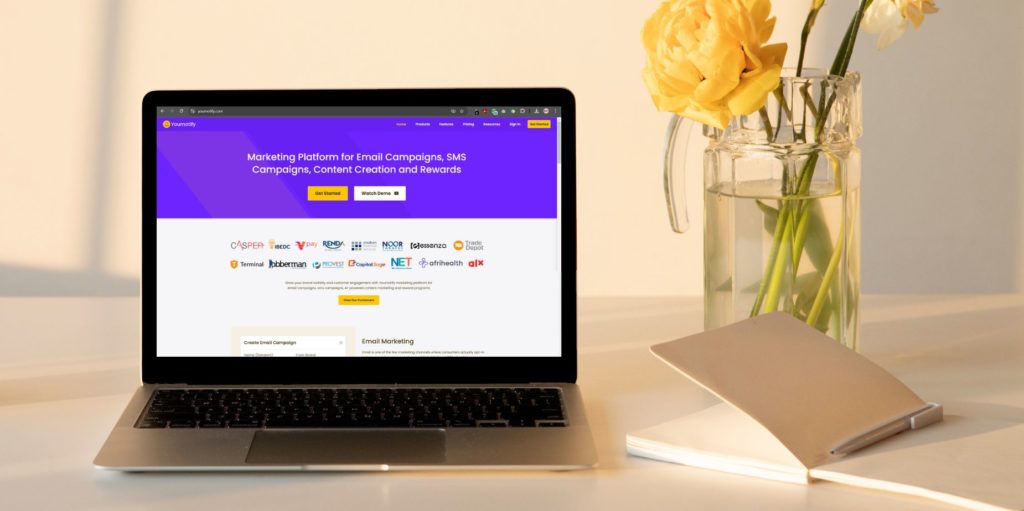
B2B email campaigns need useful content, reliable customer data and a consistent follow-up process. This guide covers Yournotify tools and workflows for managing that work, from an organised contact list to a qualified sales conversation.
Table of Contents
1. Contact lists with useful source context
Organise prospects and customers in Yournotify around a clear campaign purpose. Keep relevant business details and source information. Review whether contacts may receive the proposed message before importing or enrolling them in a sequence.
2. Audience segments for different buying needs
Group contacts by role, industry, interest or recent engagement when the data supports it. Write a distinct message for each meaningful group. Avoid creating segments so narrow that the team cannot maintain or evaluate them.
3. Reusable email templates
Use Yournotify Email to prepare a clear layout with a recognisable sender, accurate subject line and one primary action. Preview it on mobile and test personalisation fallbacks so missing data does not produce an awkward greeting.
4. Lifecycle follow-up
Plan a sequence that helps a prospect evaluate the offer. Each message should answer a different question or provide a useful next step. Stop or change the sequence when the customer replies, converts or should no longer be contacted, using the data and controls available in your workflow.
5. Email API and SMTP delivery
Connect application messages through Email API or SMTP when the use case requires it. Keep service notifications distinguishable from marketing campaigns and monitor their delivery separately.
6. Reporting that supports decisions
Review delivery, bounces, clicks, unsubscribes and qualified enquiries. Use consistent audience and time-period definitions when comparing campaigns. Do not choose a winning message solely because it generated more opens.
7. Conversations and sales follow-up
Give an interested prospect an easy way to ask a question. Use the contact’s communication history to prepare a useful response, and consider a live Call when appropriate. Agree how the sales team receives and handles qualified enquiries.
Budget and launch plan
Estimate the audience size, expected send frequency and channel usage before committing a budget. Review current Yournotify pricing and confirm the applicable rates and account configuration. This guide does not quote a fixed price because the amount depends on the service and usage. Begin with one audience and one offer. Test the complete path from email delivery to enquiry handling, then expand when the results and responsibilities are clear.
Explore Yournotify Email Marketing and Email API to organise your audience, prepare messages and review campaign performance. Begin with one clearly defined use case and expand using the results.