CRM / Contact Management

Manage the people behind every campaign and conversation. Keep email addresses, telephone numbers, custom attributes, lists and customer activity together, ready for Email, SMS, WhatsApp, Voice, Calls and your wider customer engagement workflows.

One contact workspace across your channels

Bring contact records, audience organisation and team follow-up together, from imported customers and form submissions to ongoing relationships.

Yournotify customer logos

Organise contacts once. Use them across your channels.

Build a shared customer record your team can use for marketing, communication and follow-up. Add contacts, organise audiences and keep the details behind each relationship close at hand.

Bring your contacts into one workspace

Add contacts individually, import existing customer data or collect new details through forms and connected workflows. Map names, email addresses and telephone numbers during import, then place contacts in the lists your team needs for campaigns and follow-up.
Organise audiences with contact lists

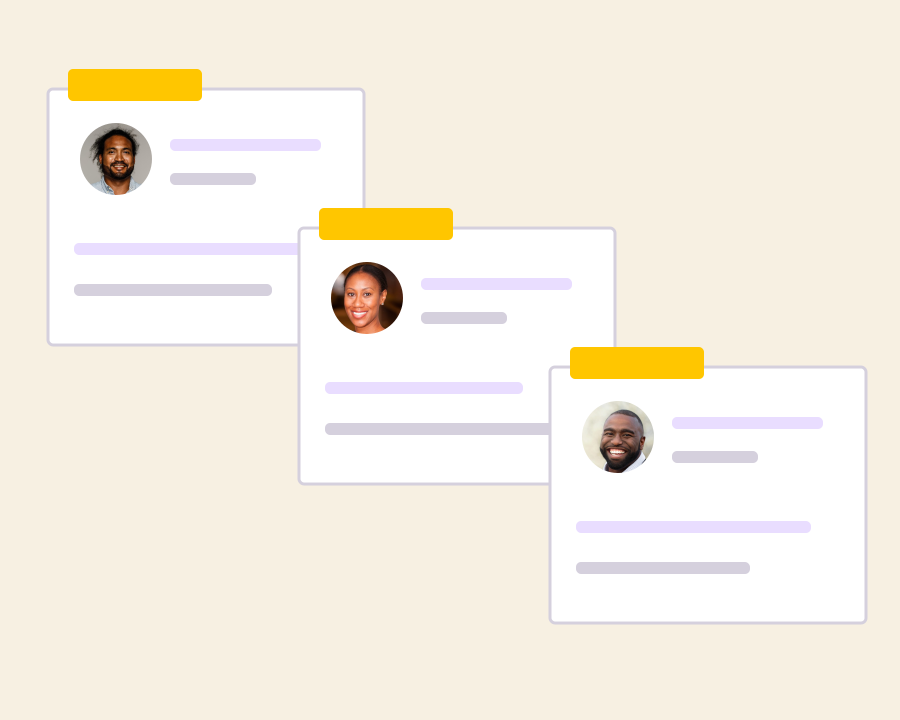
Create lists for customers, subscribers, members, students, partners or any other audience you serve. Add contacts to the relevant groups and reuse those lists across your messaging workflows, without treating every audience as a list of new leads.

Keep customer profiles and activity together

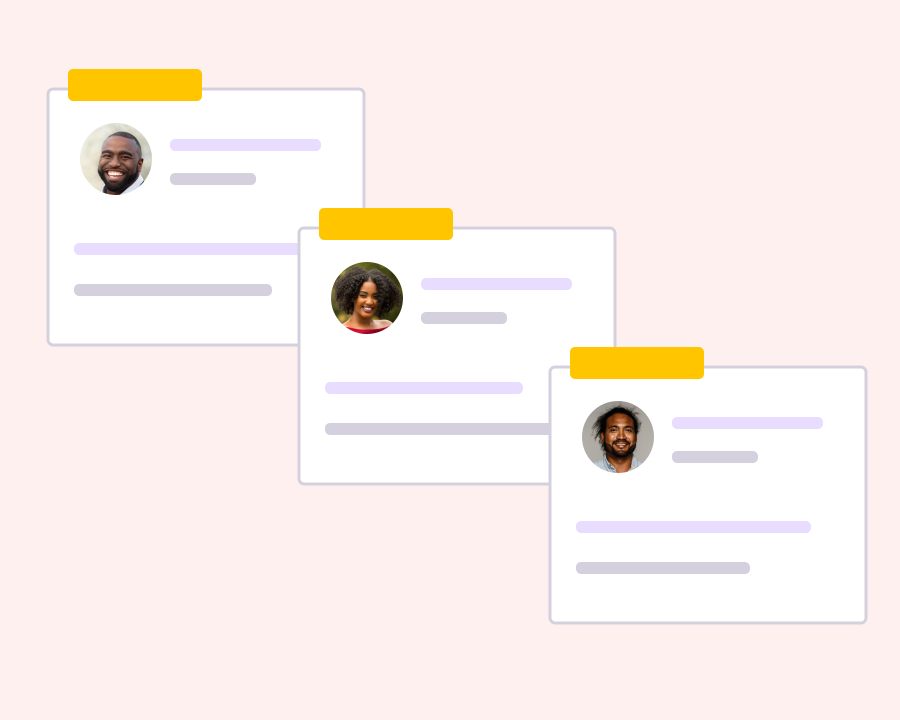
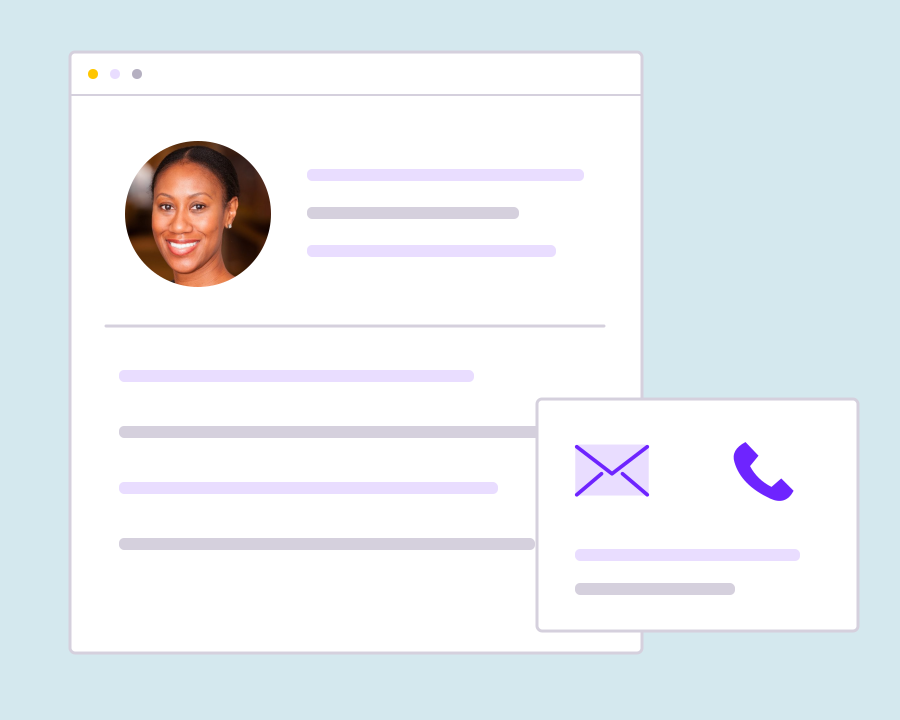
Open a contact to review their name, email, telephone and custom attributes alongside their activity timeline. Keep notes, activities, pipeline records and history connected to the person so colleagues can pick up the relationship with useful context.

Turn customer attributes into relevant segments

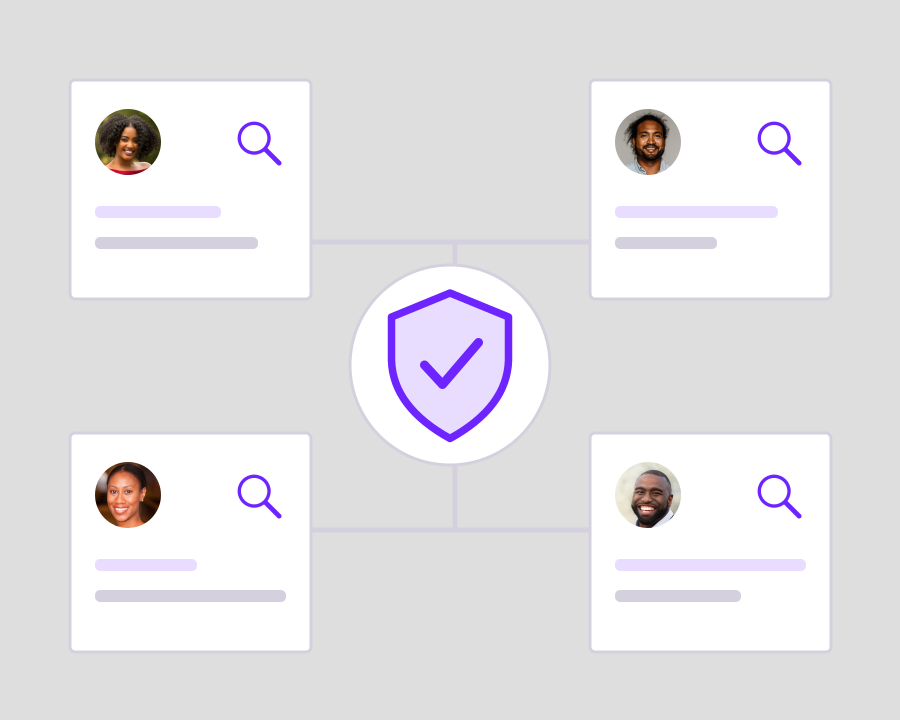
Store the details that matter to your organisation, such as location, interests, membership or customer status. Use those attributes and available activity criteria to build segments for targeted campaigns, personalised messages and relevant follow-up.

Connect contacts to campaigns and conversations

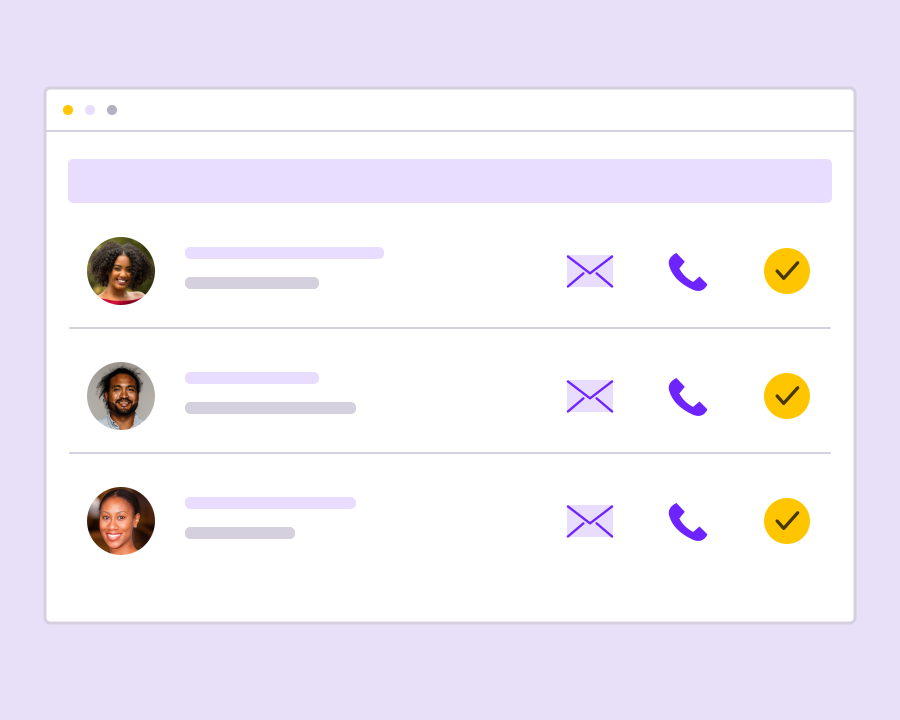
Use your organised audiences for Email, SMS, WhatsApp and Voice campaigns, and select contacts for live Calls and individual email follow-up. Keep contact details and customer context accessible across the platform as people move from a first enquiry to an ongoing relationship.

One CRM workspace for the people you serve

Connect customer information with the work your team needs to do next.

Marketing teams

Organise subscribers and customers into lists and segments for newsletters, promotions, reminders and reactivation campaigns.

Sales and support teams

Review contact profiles, notes and activity before calling, replying or planning the next follow-up.

Businesses and organisations

Manage customers, members, students, partners and other audiences with attributes and lists that match the people you serve.

Frequently asked questions

Working with contacts, audiences and customer relationships in Yournotify.

No. Contacts is a shared workspace for your customers, subscribers, members and other audiences. Lead Generation is one way to add people; manual entry, imports, forms and connected workflows also contribute to your contact database.

Yes. Use email addresses for email workflows and telephone numbers for SMS, WhatsApp, Voice and Calls. Lists and segments help you select the relevant audience for each campaign.

A contact holds the details of a person. Lists group contacts for a purpose, while segments use conditions such as contact attributes and available activity to identify a relevant audience.

Yes. Add custom attributes to hold information relevant to your organisation. Contact profiles also bring together notes, activities, pipeline records and history for customer follow-up.

Put every customer relationship in context.

Bring your contacts, lists and customer details into one workspace, then connect them to the campaigns, conversations and follow-ups that keep people engaged.

Get Started