An Email API for customer updates and campaigns

Connect Yournotify email delivery to your application in Nigeria, Kenya and across Africa. Send receipts, account messages and campaign content with your own sender identity, reusable templates and reporting that supports customer follow-up.

Build email delivery into your application

Keep the sending interface, request validation and delivery outcome clear so engineering and support can review the same customer notification.

Yournotify customer logos

Send the right email from your application.

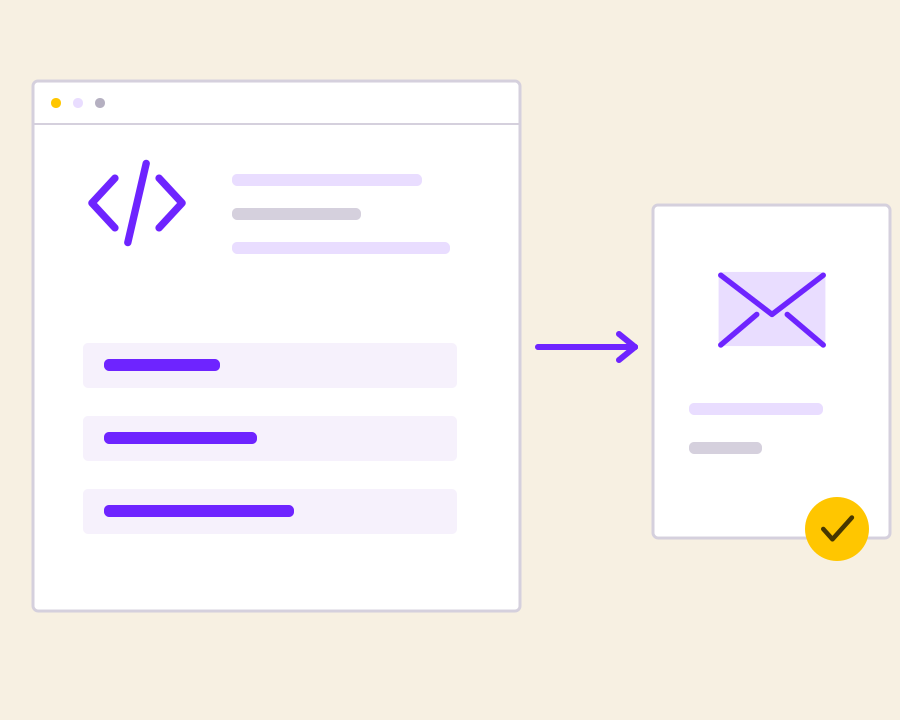
Turn product events and customer data into branded email. Use a structured API request to prepare the sender, recipients and content, then connect the campaign record to your own workflow.

Prepare structured email requests

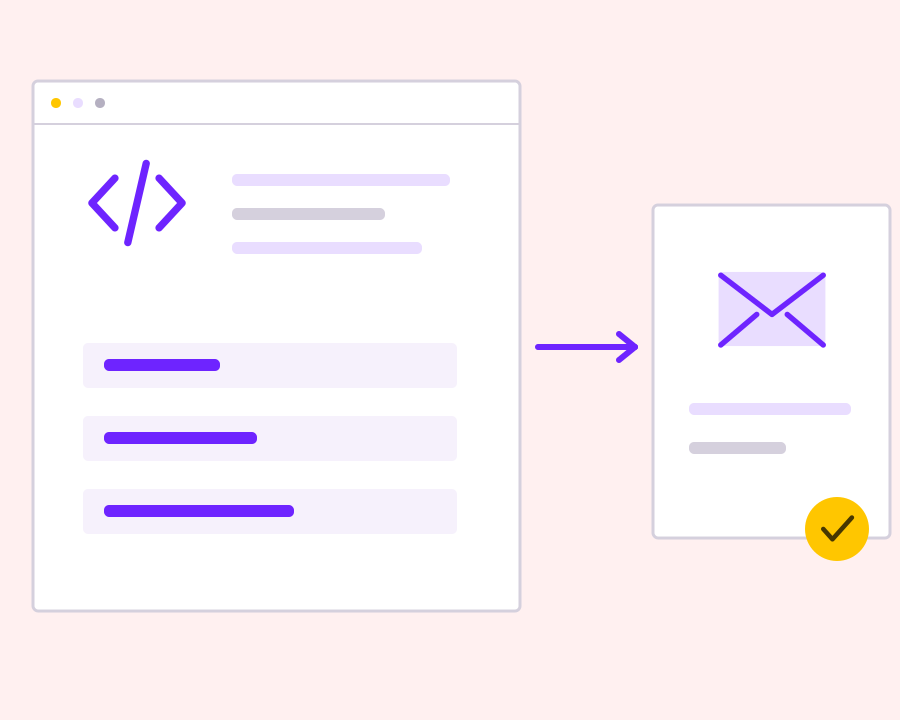
Supply the sender, recipients and message content required by the documented email workflow. Validate the request in your application before sending, and keep its purpose connected to the customer event or campaign that should create the email.
Use the configured sending identity

Connect the request to the email sender and account setup intended for the message. Review sender requirements during integration so an authentication or configuration problem is visible before the application depends on the notification reaching a customer.

Handle request outcomes explicitly

Inspect the API response and retain useful reference information with your application record. Treat unsuccessful validation or sending requests as actionable results, with clear handling for the operator rather than silently continuing as though the email was already delivered.

Connect delivery signals to support workflows

Use available delivery reporting and documented event options to review the email after submission. Keeping that context with the originating order or account action helps the team investigate notification issues and explain what the sending system actually recorded.

Get started with Email API for Transactional and Product Messaging.

Map your email payload

Define how application data becomes the sender, recipient and message for each request.

Review errors and references

Keep the response context needed to investigate unsuccessful or uncertain sends.

Connect email to product operations

Use delivery evidence alongside your own application records for a clearer support workflow.

Frequently asked questions

Setup, use cases and practical answers for your team.

Use the Email API for customer updates, transactional notifications and campaign email. Connect the sender, recipients and content to the event or audience that should receive the message.

Configure your email sender, obtain your API credentials in Developer and follow the Email API request example in the documentation. Test the message with a controlled recipient before enabling the application workflow.

Choose the API when you want structured requests and product data in your integration. Choose SMTP when your application already supports an SMTP mail server. Both workflows use your configured sending identity.

Yournotify offers webhook configuration for supported Email events. Configure the destination URL and event module, then use a sample event to check how your application handles the payload.

Read setup guides and more FAQs →   Explore API documentation →

Connect email to product operations.

Connect application email to Yournotify with a structured sending request and a clear operational record. Prepare recipients, sender and message content, handle the response, and connect delivery reporting to the product action that caused the email.

Get Started