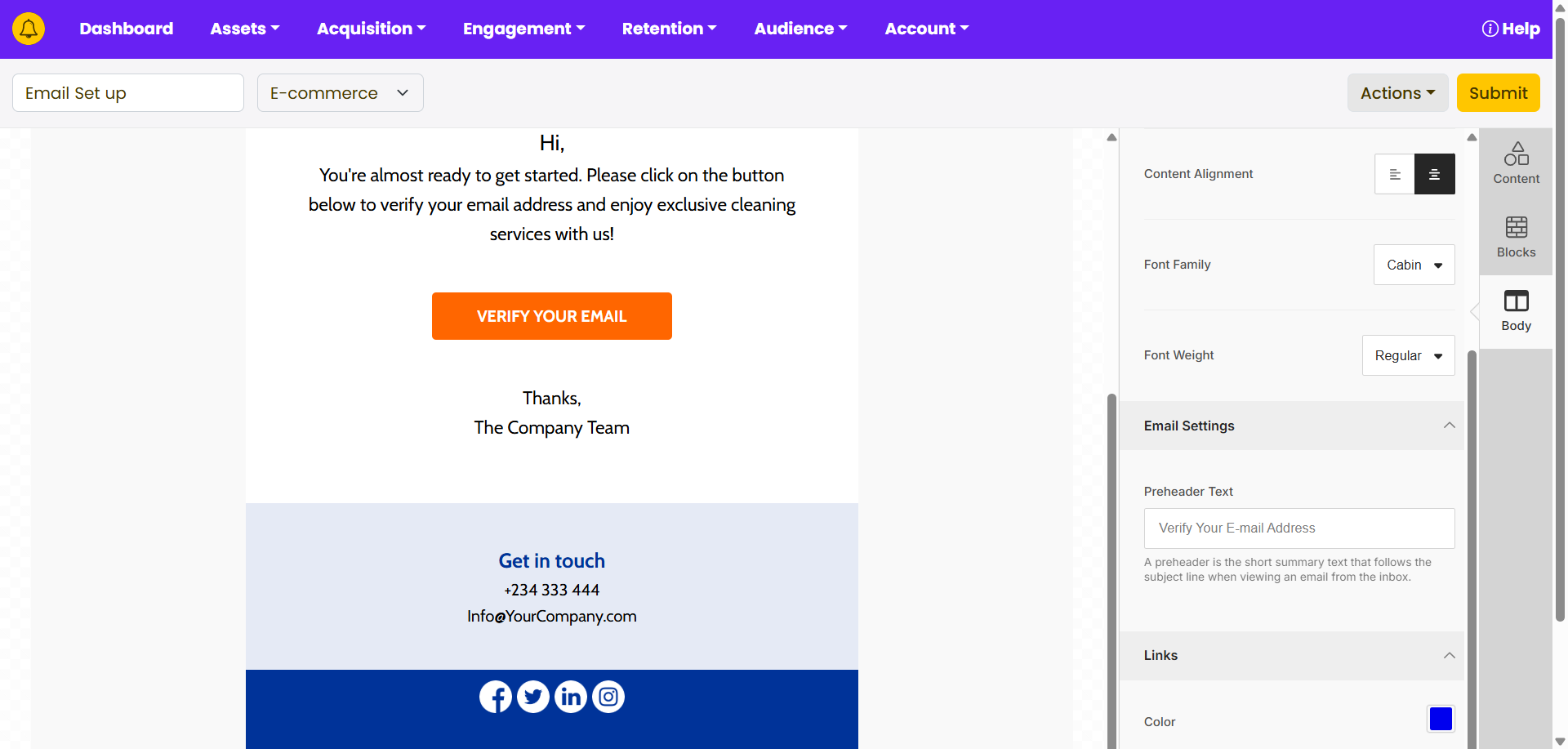
Creating email templates is essential for efficiency, consistency, and professionalism in your communications. Templates save time by providing a structured format that can be easily customized for different messages. Here’s how to create an email template on yournotify.
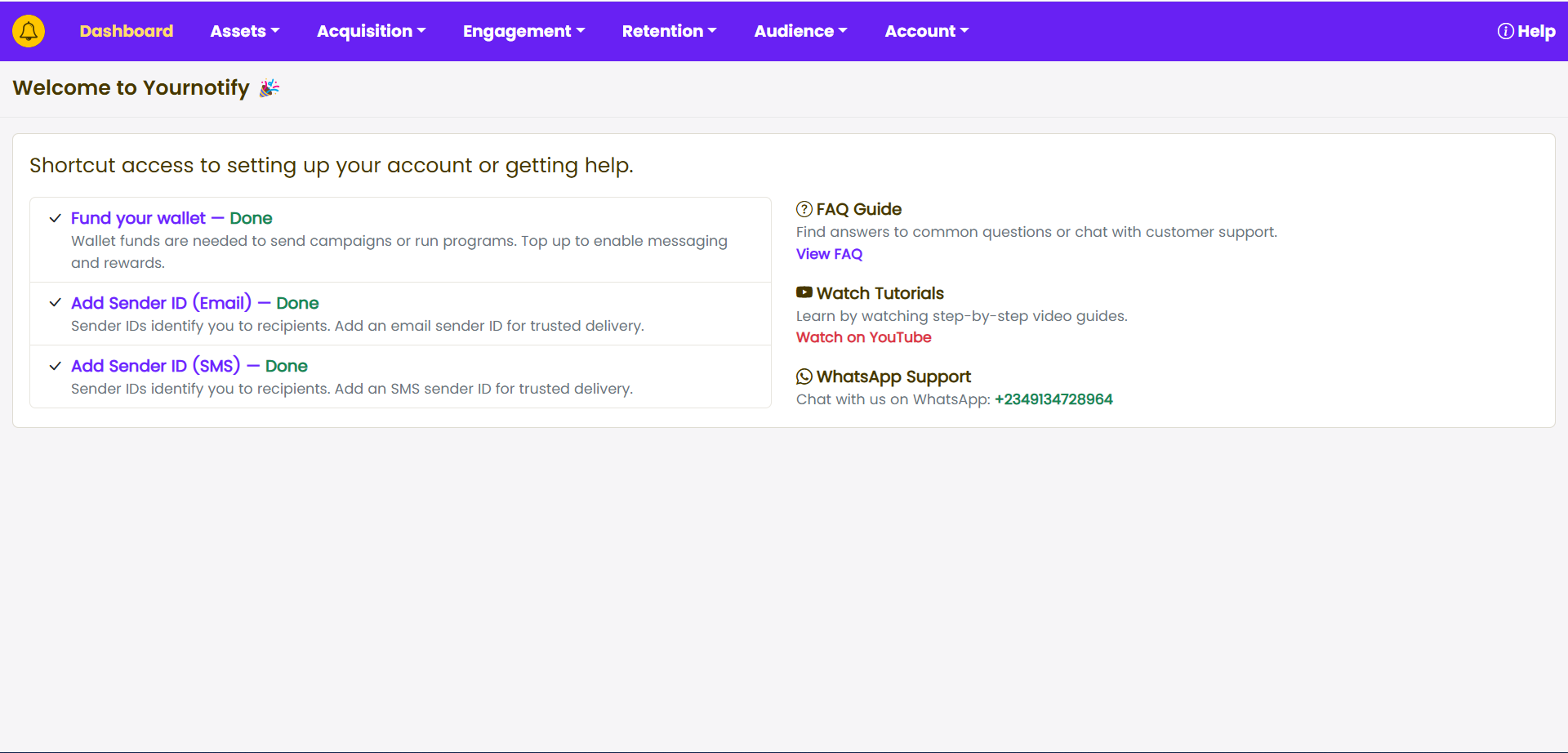
STEP 1: Locate the “Engagement” section on your dashboard.
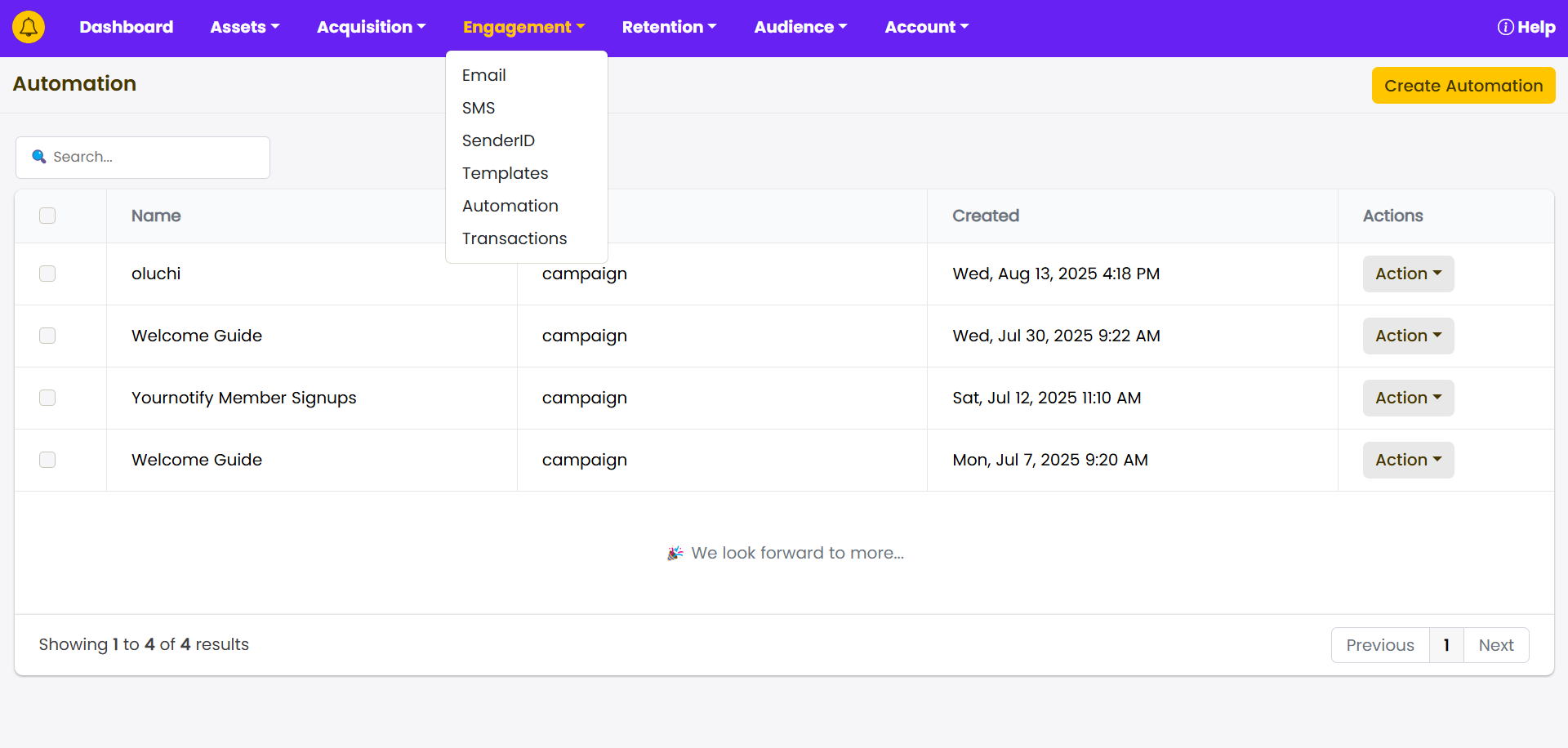
STEP 2: Click on “Template” from the drop-down menu.
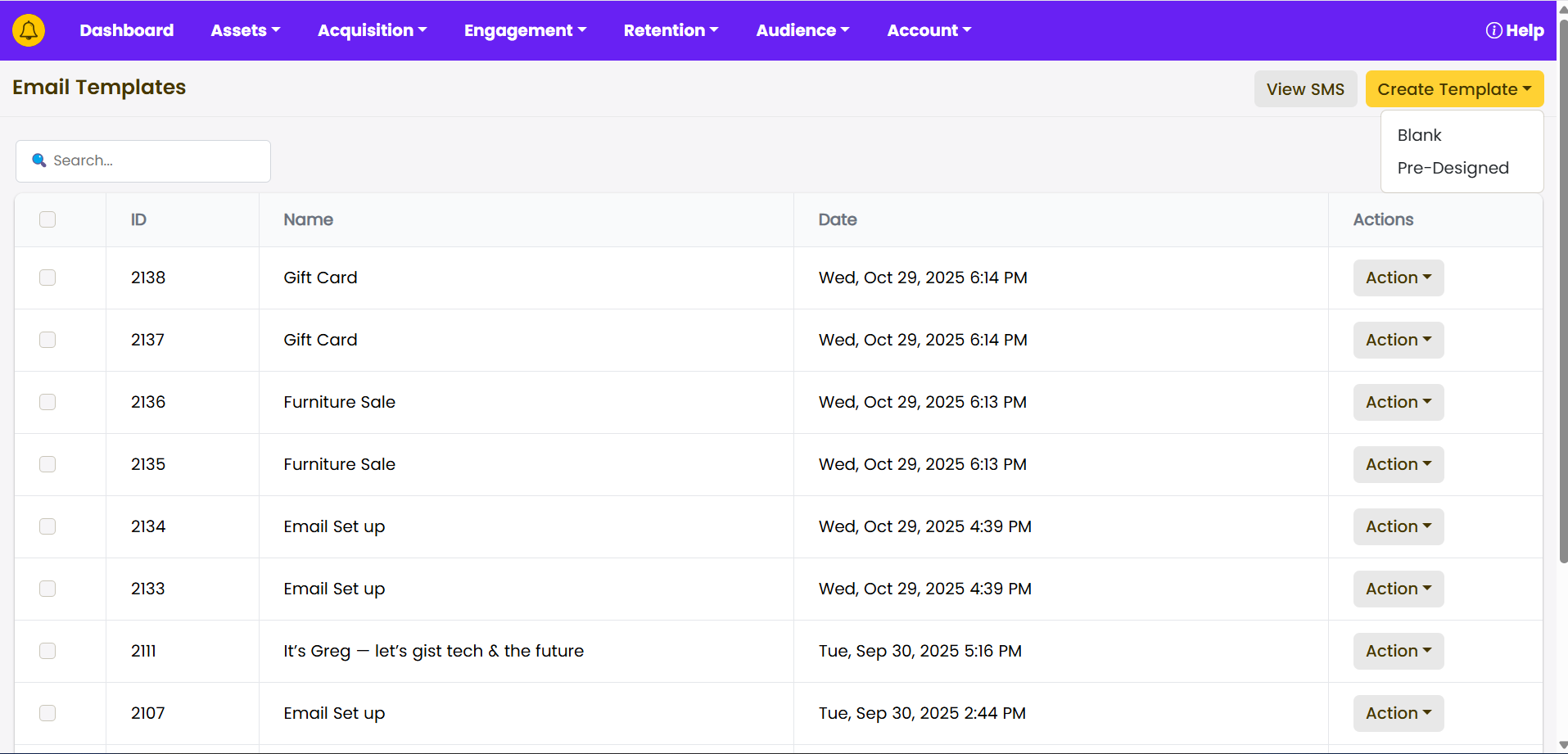
STEP 3: Click on “Create Template”. You can choose to use the predefine Template or a Create a template.
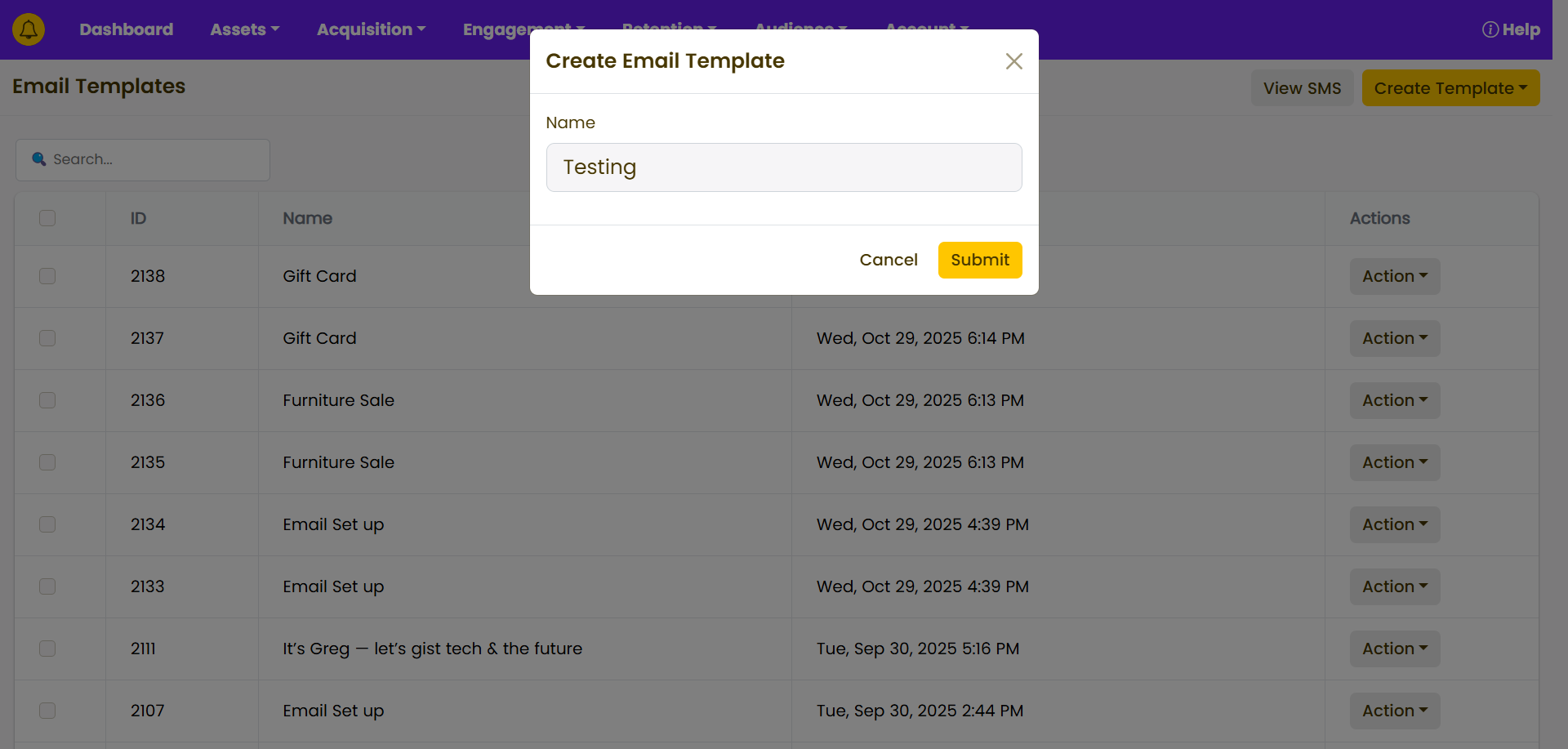
STEP 4: Type in your template title.
STEP 5: Design your Template.
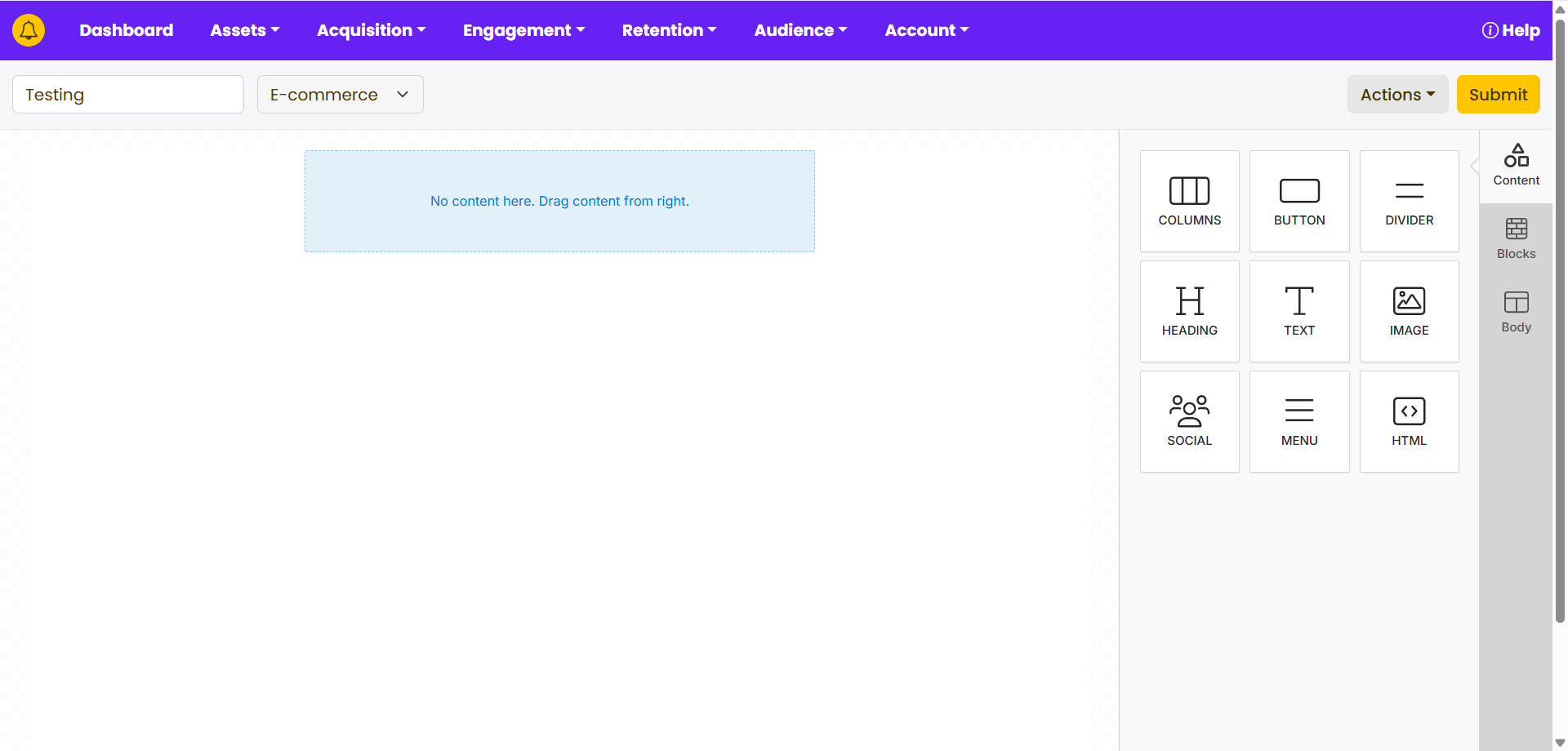
STEP 6: Add your pre-header text. Click on “Submit”.