Digital Rewards API for Airtime, Data and Coupons

Connect customer actions to digital reward delivery through Yournotify. Select a supported reward product, prepare the recipient and value, use a consistent request reference, and track the fulfilment outcome so your application can explain what happened.

Build rewards into a traceable product workflow

Use the same reward platform for API and dashboard activity, with product availability, request validation and fulfilment records connected to the customer action.

Yournotify customer logos

Build rewards into a traceable product workflow.

Use the same reward platform for API and dashboard activity, with product availability, request validation and fulfilment records connected to the customer action.

Select a supported reward product

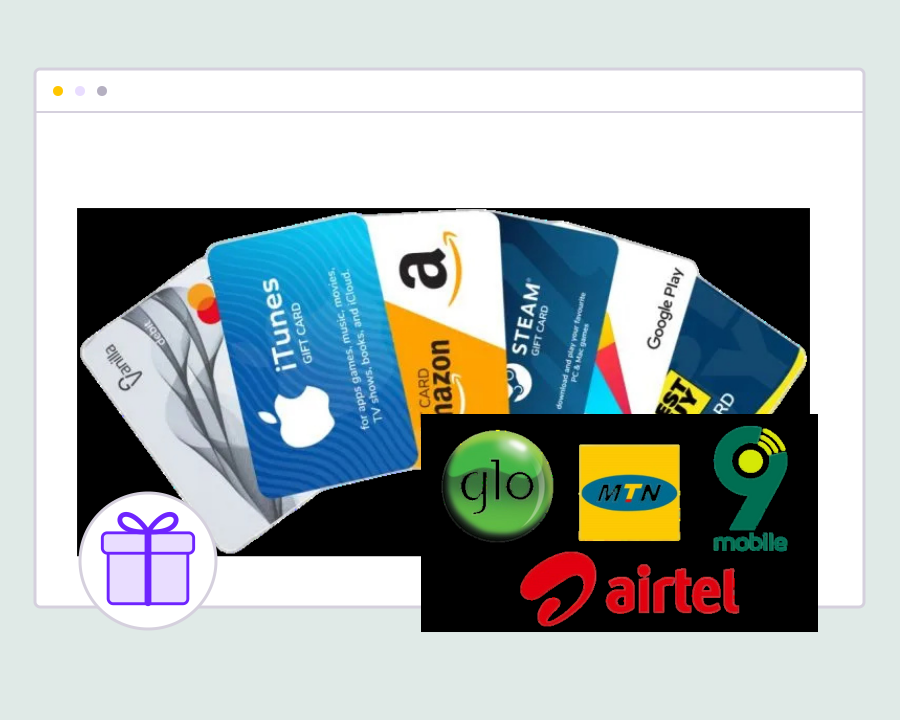
Review the reward products available for the account’s country and currency before building the request. Use the product’s supported recipient and value requirements so the incentive you offer can be matched to the fulfilment options available in the workspace.
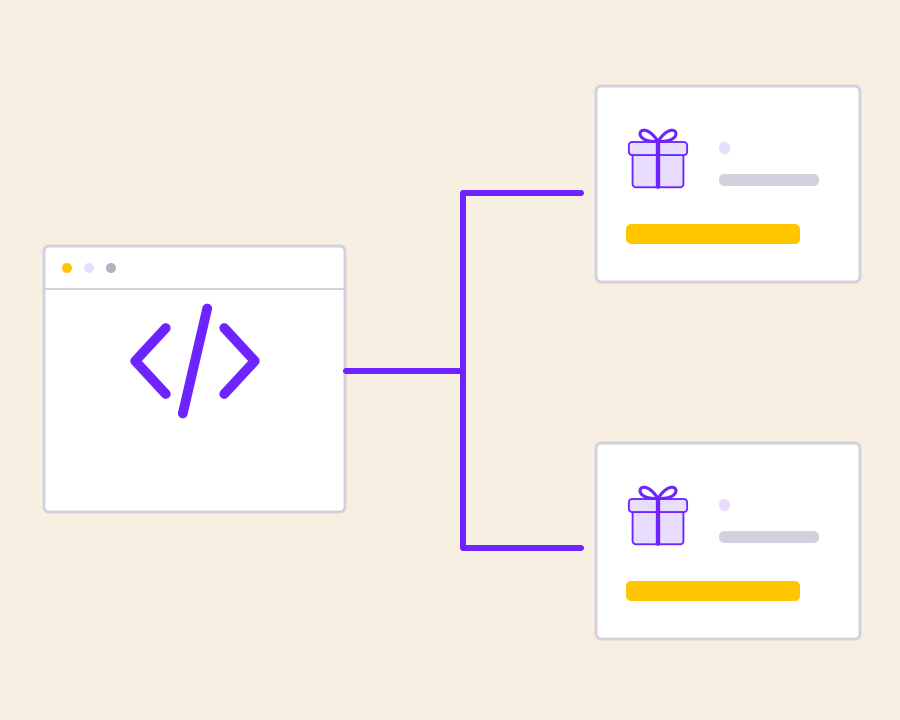
Prepare the recipient and reward value

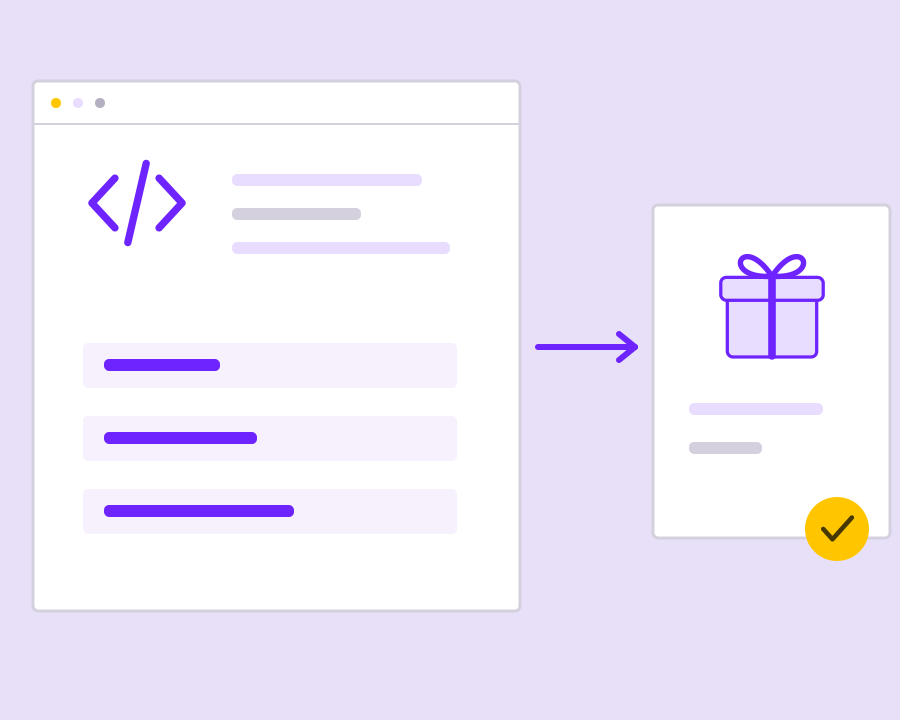
Connect the qualifying customer action to the recipient details, chosen product and amount required by the request. Keep the purpose and value explicit in your application so an operator can understand why the reward was requested and who should receive it.

Use a consistent request reference

Keep a stable reference for the same reward operation and follow the documented replay or idempotency requirements. This helps your integration distinguish a new incentive from a repeated request when handling a timeout, retry or uncertain response from the sending workflow.

Track fulfilment after request acceptance

Review the reward’s status after submission and use supported fulfilment events or reporting to understand the outcome. Request acceptance and completed fulfilment are different stages, so the customer-facing experience should explain the state actually recorded for that reward.

Reconcile rewards with the originating action

Retain the reward reference with the order, survey, referral or other qualifying event in your application. Use the available submission, cost and fulfilment records when reviewing a campaign or answering a customer’s question about an incentive they expected.

Get started with Digital Rewards API for Airtime, Data and Coupons.

Map the qualifying action

Define which customer event earns the reward and which supported product should be used.

Prepare safe request handling

Validate recipient and value inputs and keep a consistent reference for the same operation.

Connect reward delivery to customer support

Retain fulfilment evidence and the originating event so the team can explain each reward outcome.

Frequently asked questions

Setup and everyday use of Digital Rewards API for Airtime, Data and Coupons.

API and dashboard reward workflows use the Yournotify reward platform and its account, product and fulfilment controls.

No. Track the recorded fulfilment state and supported events before presenting the reward as completed.

Keep the original operation reference and follow the documented request replay or idempotency behaviour. Check the existing result before creating another reward operation.

Read setup guides and more FAQs →   Explore API documentation →

Connect reward delivery to customer support.

Connect customer actions to digital reward delivery through Yournotify. Select a supported reward product, prepare the recipient and value, use a consistent request reference, and track the fulfilment outcome so your application can explain what happened.

Get Started