
To request an SMS sender ID is crucial, as it enables your messages to showcase your brand name or a familiar identifier instead of an unfamiliar phone number. This fosters trust and boosts the likelihood of recipients interacting with your messages. Follow the steps below to request an SMS sender ID.
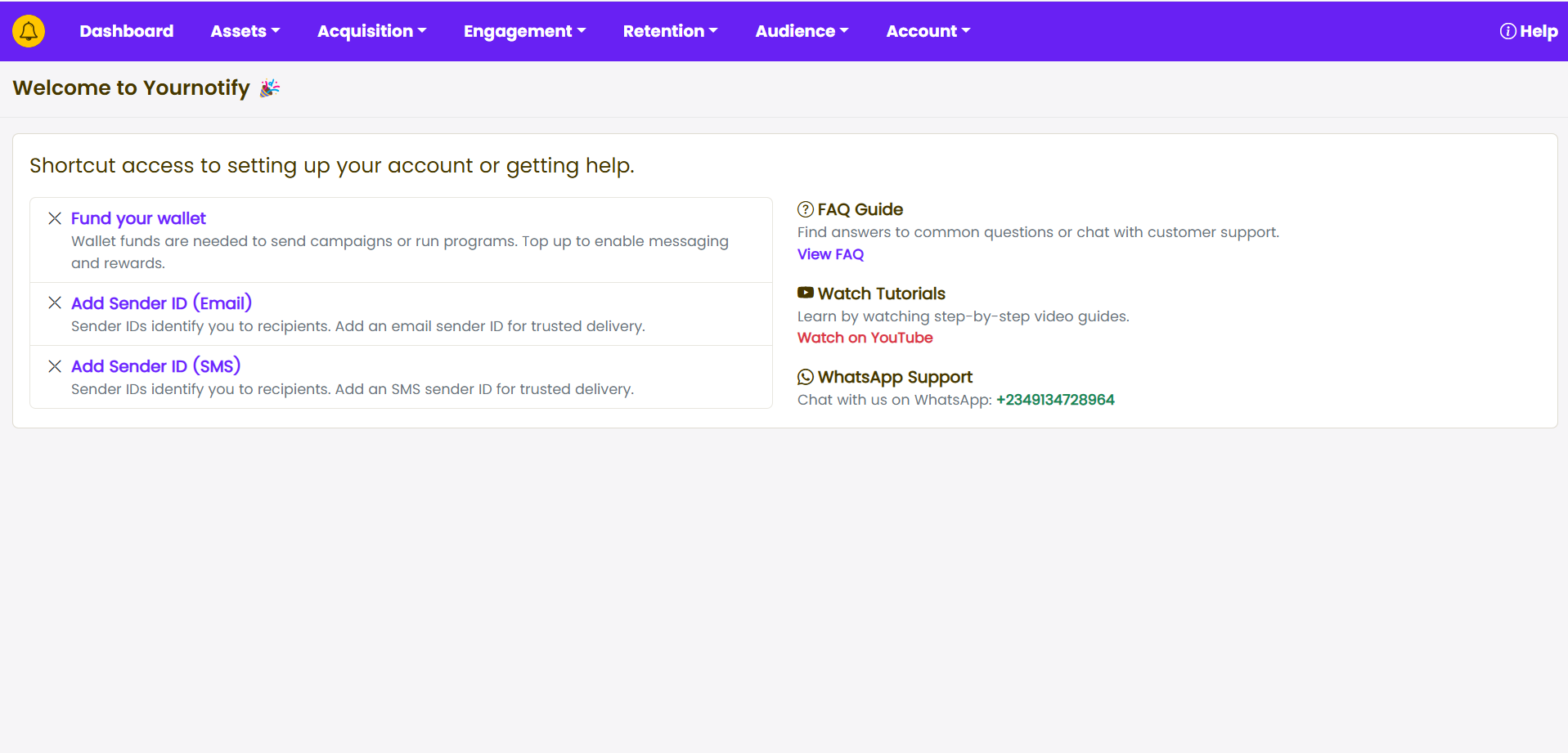
STEP 1: From your Dashboard, Click on “Add Sender ID (SMS)” .
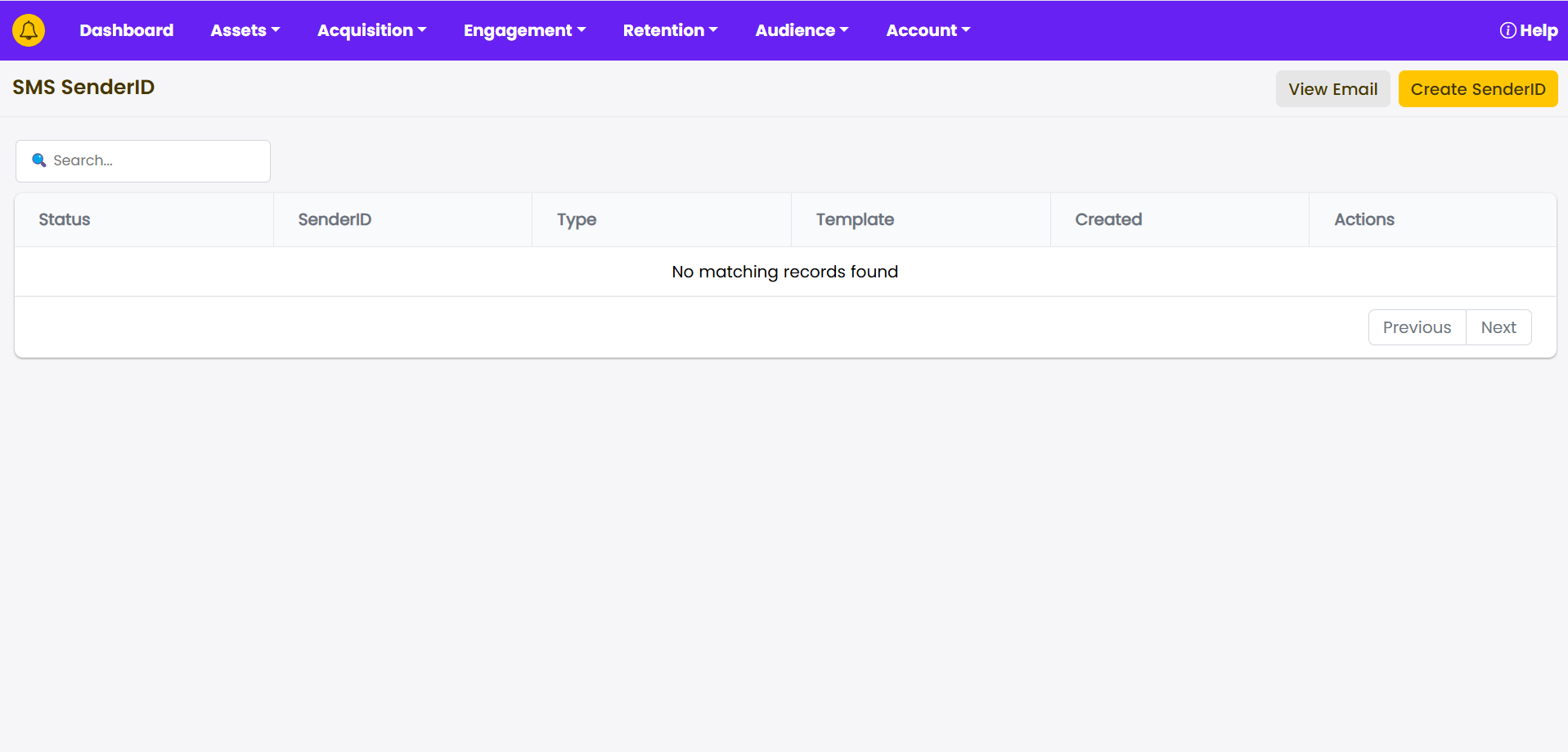
STEP 2: Click on “Create SenderID”
STEP3 : Fill in your SMS SenderID (company/business) and select either promotional or transactional campaign. Add the SMS Template
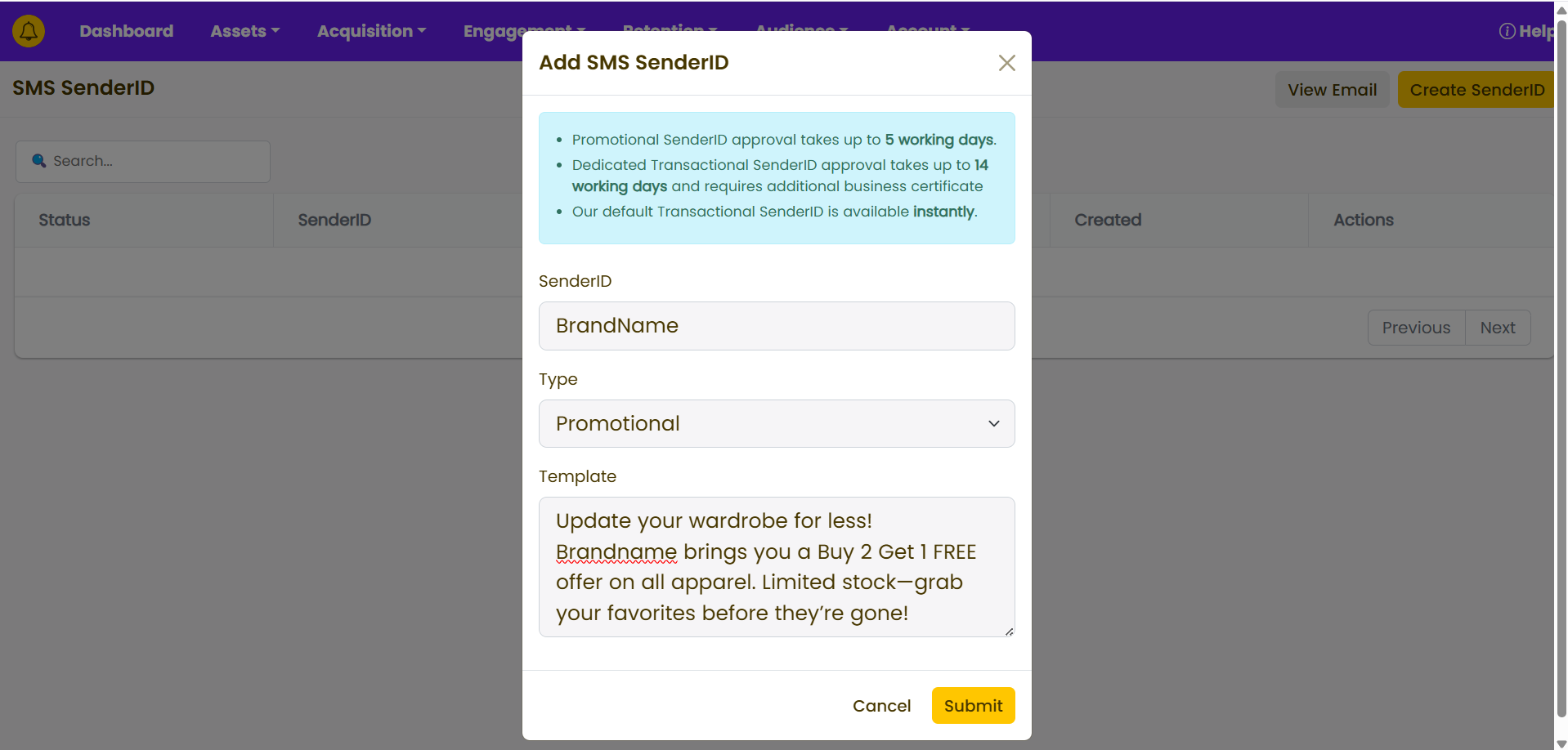
STEP 4: Click on “SUBMIT”.
Timeframe: SMS Sender ID registration takes two(2) weeks.
Note: For more than one sender IDs, it is compulsory that you subscribe.


