How do I create a WhatsApp campaign?
Prepare a connected WhatsApp sender, an approved message template and the audience you want to reach.
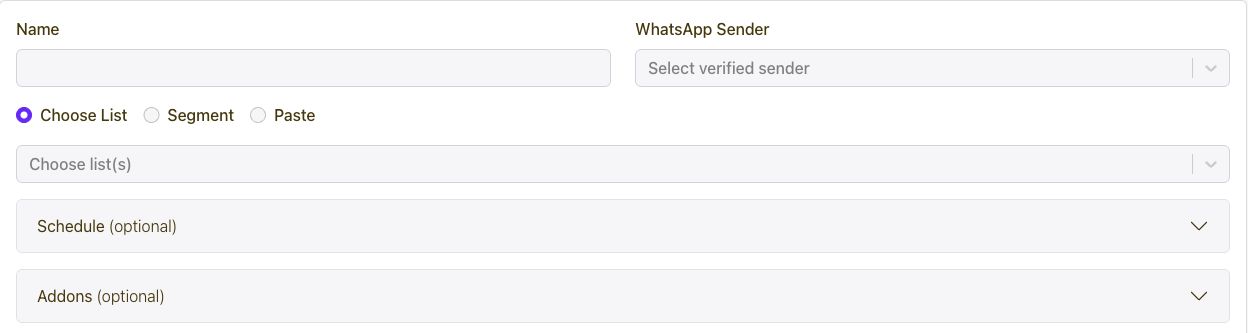
- Open WhatsApp in the dashboard and create a campaign.
- Choose the sender and approved template.
- Map template variables to the customer details required by the message.
- Select the audience and review any media or button content.
- Review the campaign, then save or submit with the intended timing.
Connect every marketing channel to one customer journey.
Capture and segment audiences, then coordinate email, SMS, WhatsApp, voice, Calls, push, in-app messages, conversations, automations, referrals, loyalty, rewards, ads, and developer APIs from one growth platform.
Get Started