How do I create a form and choose its contact list?
Create a form for the information you want to collect and choose where the resulting contacts belong.
- Open Forms and select Create.
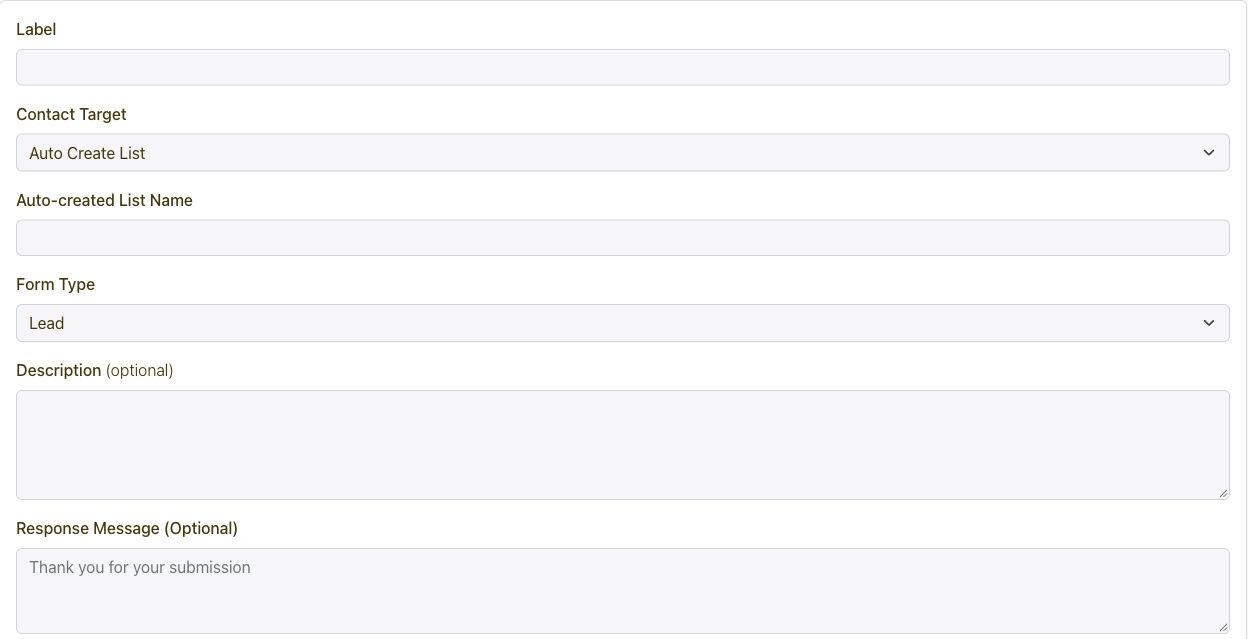
- Enter the label and choose Auto Create List or Use Existing List under Contact Target.
- Select the form type that fits the experience and add a short description.
- Configure the form fields and the response message or redirect.
- Save the form and test a submission before sharing it.
Connect every marketing channel to one customer journey.
Capture and segment audiences, then coordinate email, SMS, WhatsApp, voice, Calls, push, in-app messages, conversations, automations, referrals, loyalty, rewards, ads, and developer APIs from one growth platform.
Get Started