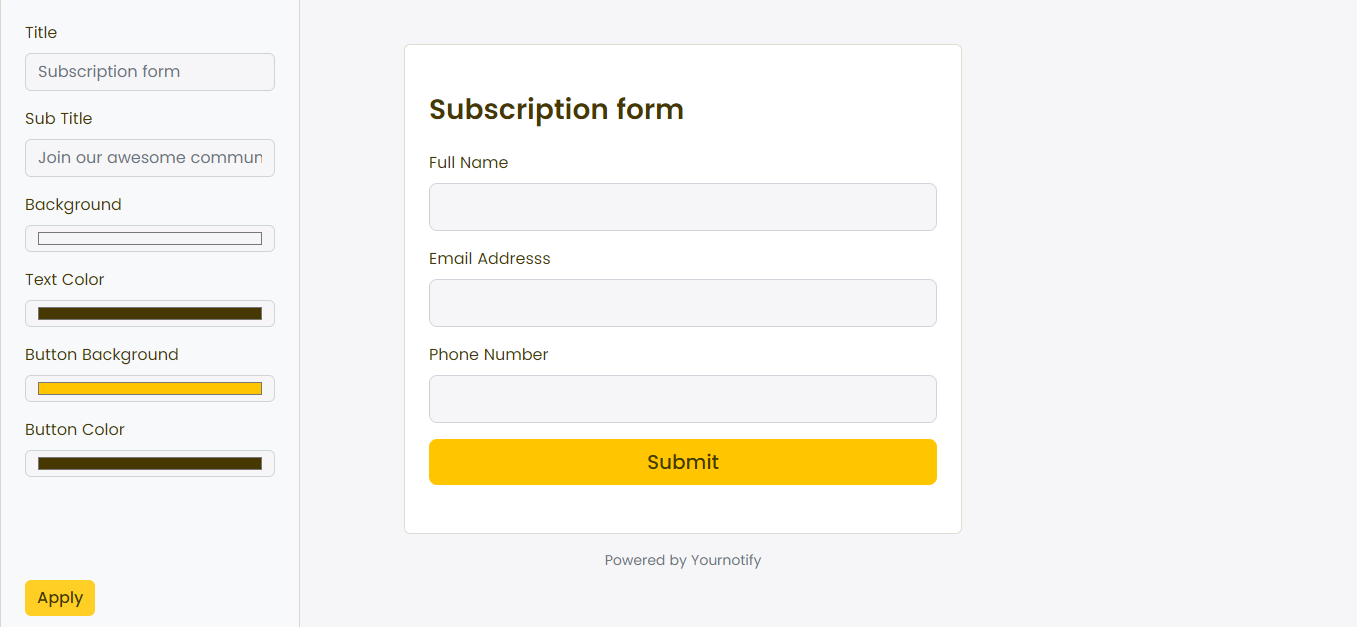
A well-designed subscription form enhances user experience by making it easy and intuitive for visitors to subscribe to your service, newsletter, or updates. A clean layout, clear instructions, and minimalistic design can encourage more sign-ups. Here is a guide on how to design a form.
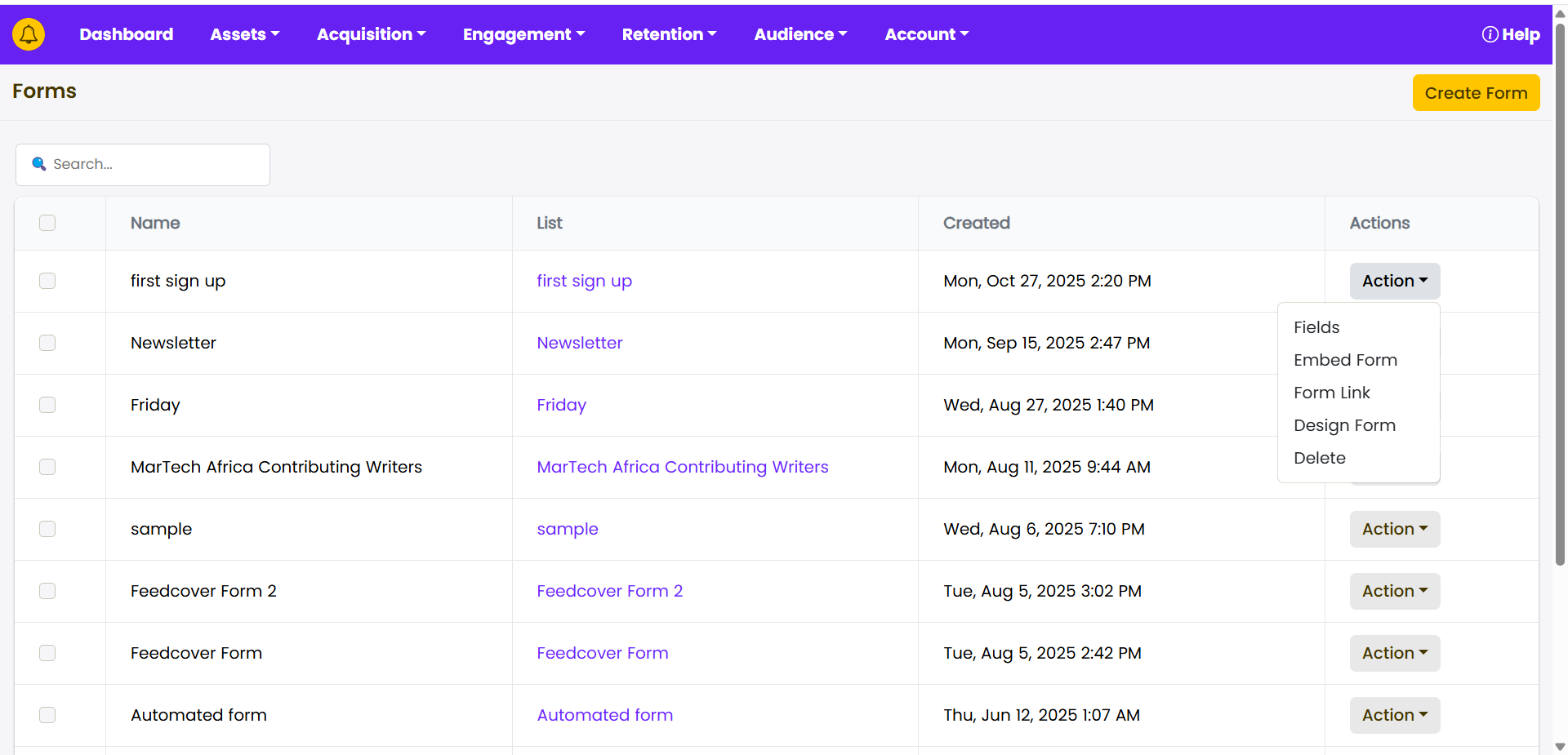
STEP 1: Navigate to the “Acquisition” section on your dashboard.
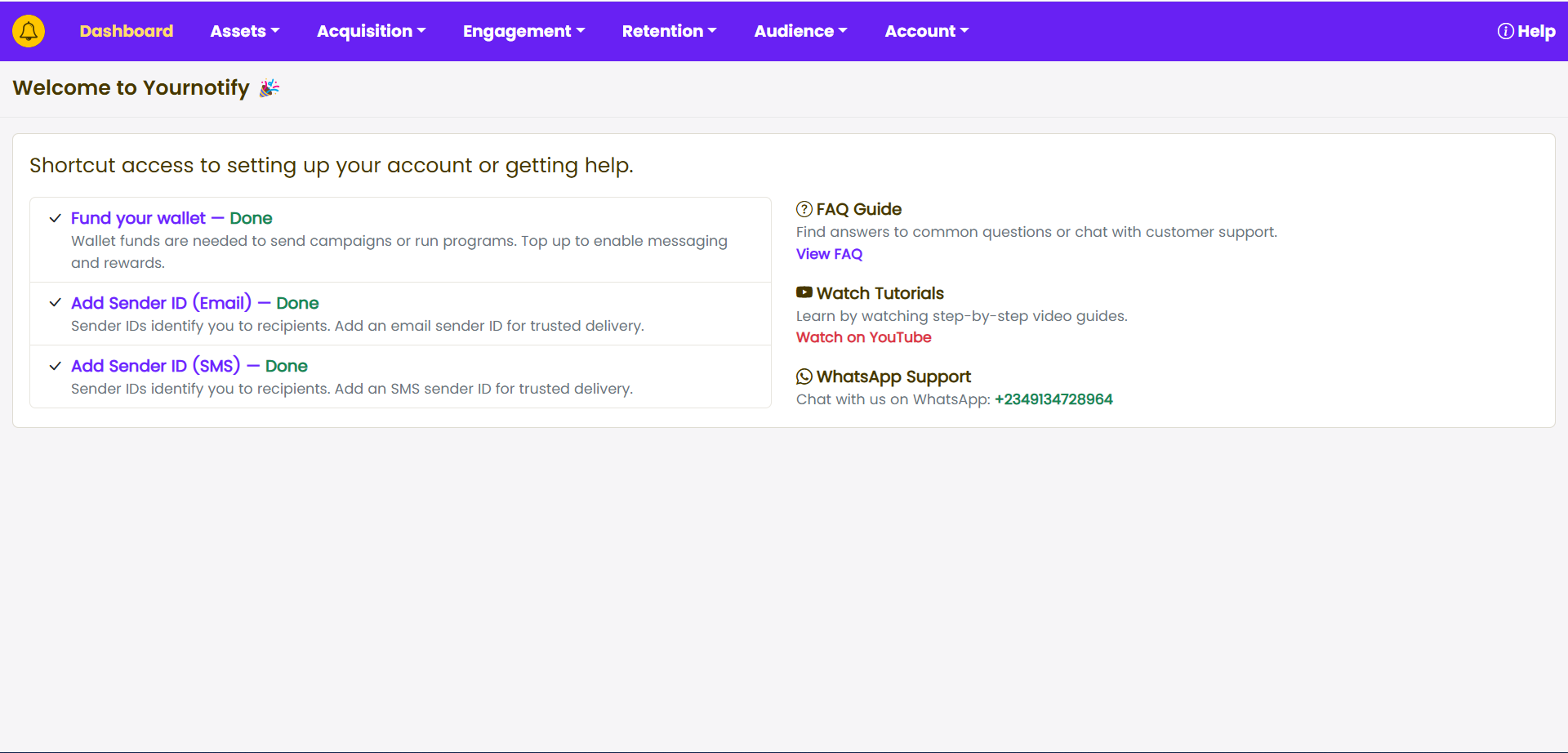
STEP 2: Click on “Forms” from the drop-down menu.
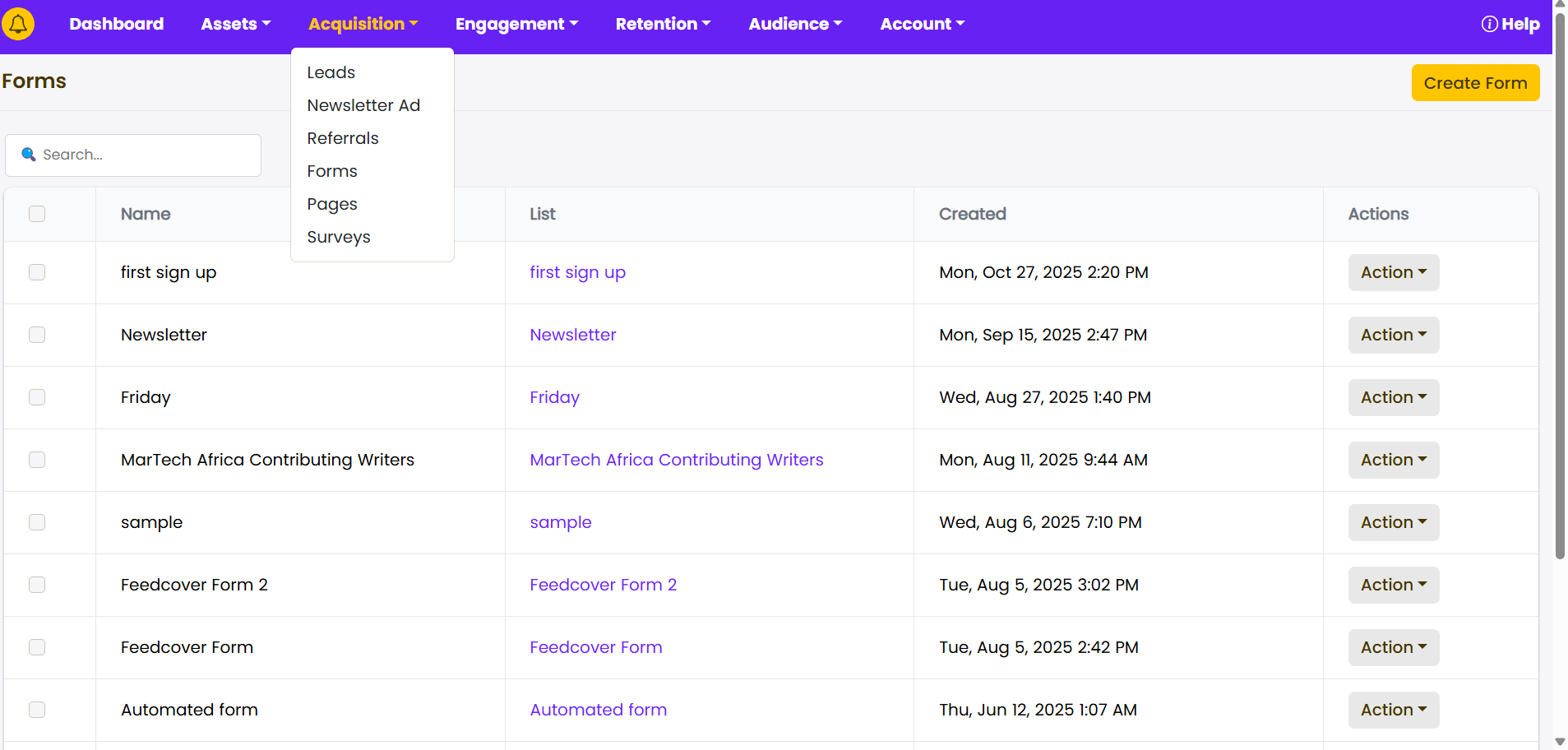
STEP 3: Click on “Create Form”. Enter a title for the Form, then click Submit.
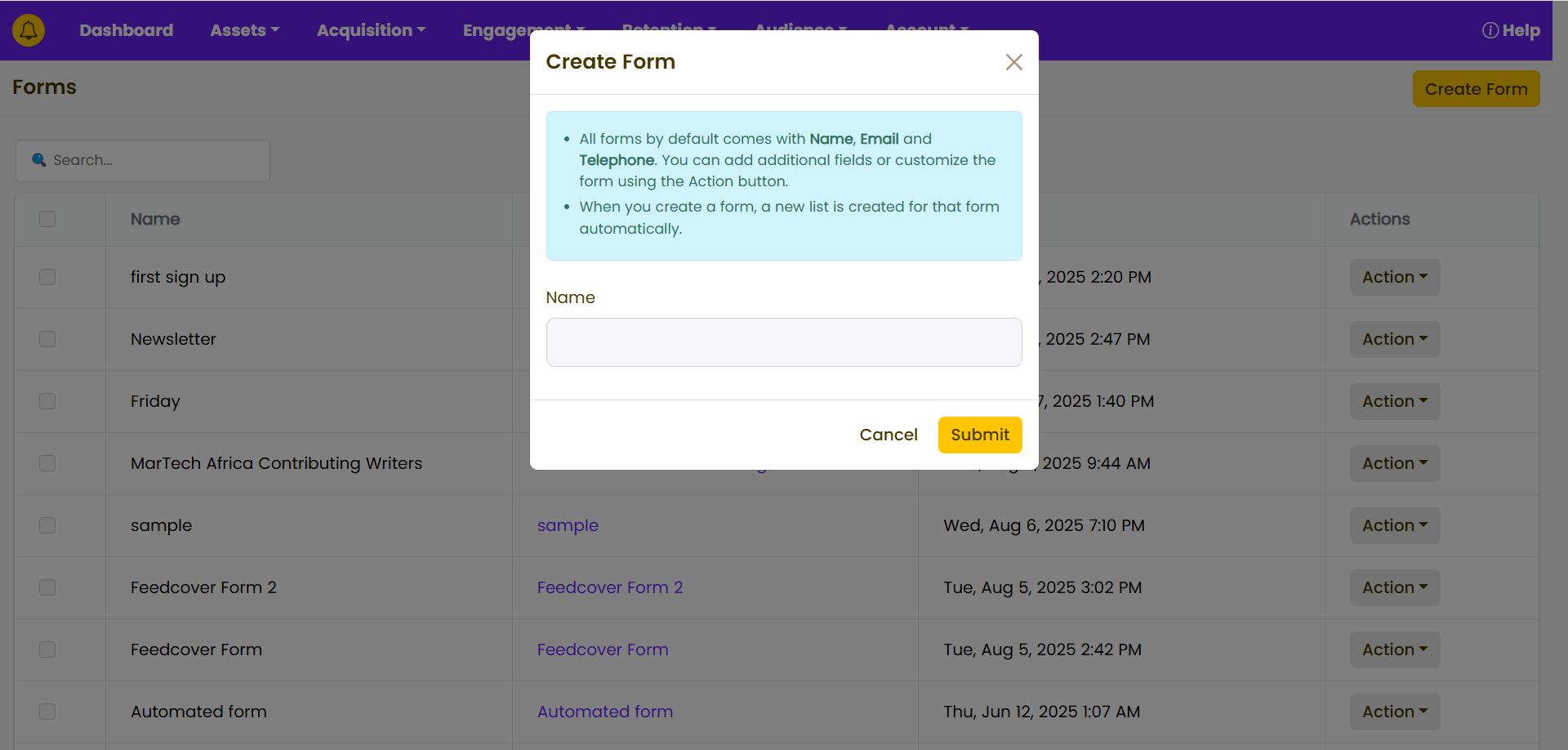
STEP 4: Click on “Actions” and select “Design form” from the drop-down.
STEP 5: Customize your form and click on “Apply”