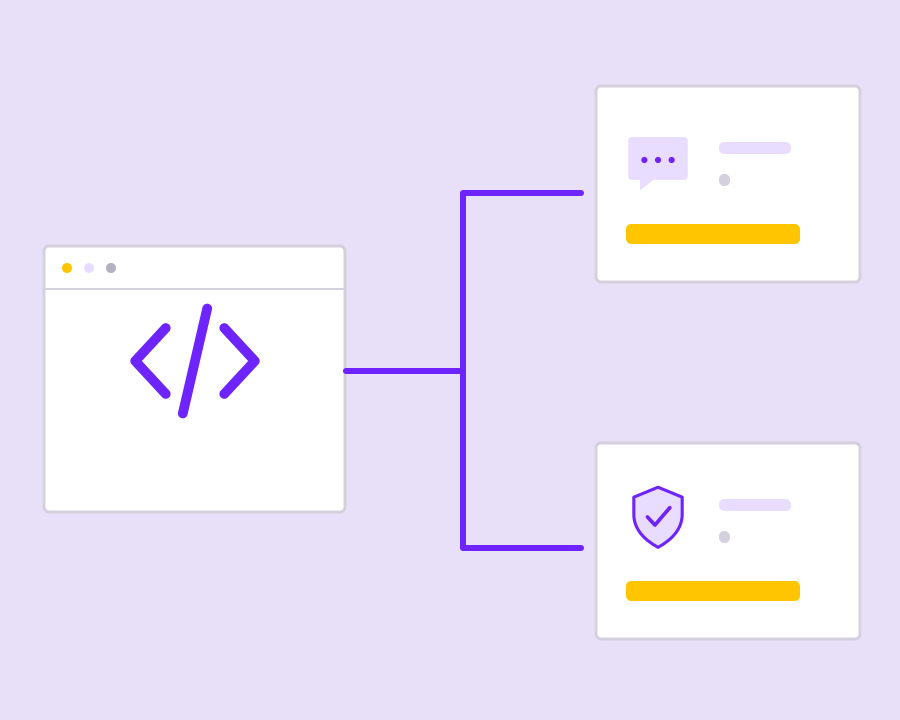
An SMS gateway for campaigns and application alerts

Connect your software and campaign team to SMS delivery in Nigeria, Kenya and across Africa. Manage sender identities, recipient data and delivery reports in one workflow for promotions, reminders and service notifications.

Keep sending inputs and delivery outcomes connected

The gateway connects your SMS requests to delivery processing, with sender configuration and reporting that make message operations easier to review.

Yournotify customer logos

Connect each message to a clear delivery workflow.

Give your application and campaign team a shared foundation for SMS. Choose the sending interface, prepare the right sender and audience, then use delivery records to manage customer follow-up.

Connect your sending application

Use the supported REST API or SMPP integration for the system that produces your messages. Choose the interface that fits the existing application or messaging infrastructure, then confirm authentication and account configuration before routing customer traffic through it.
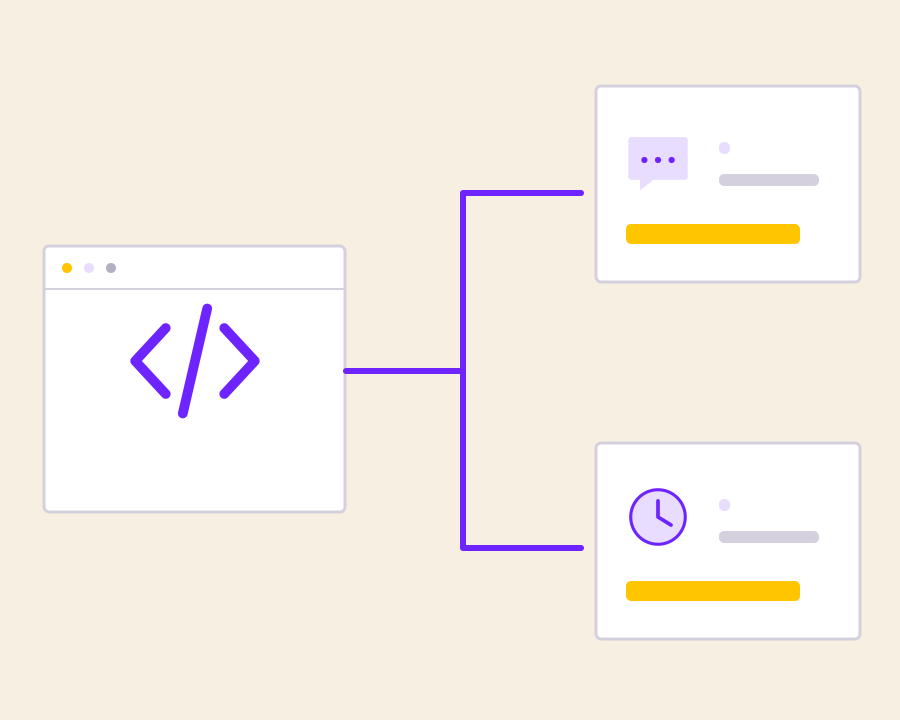
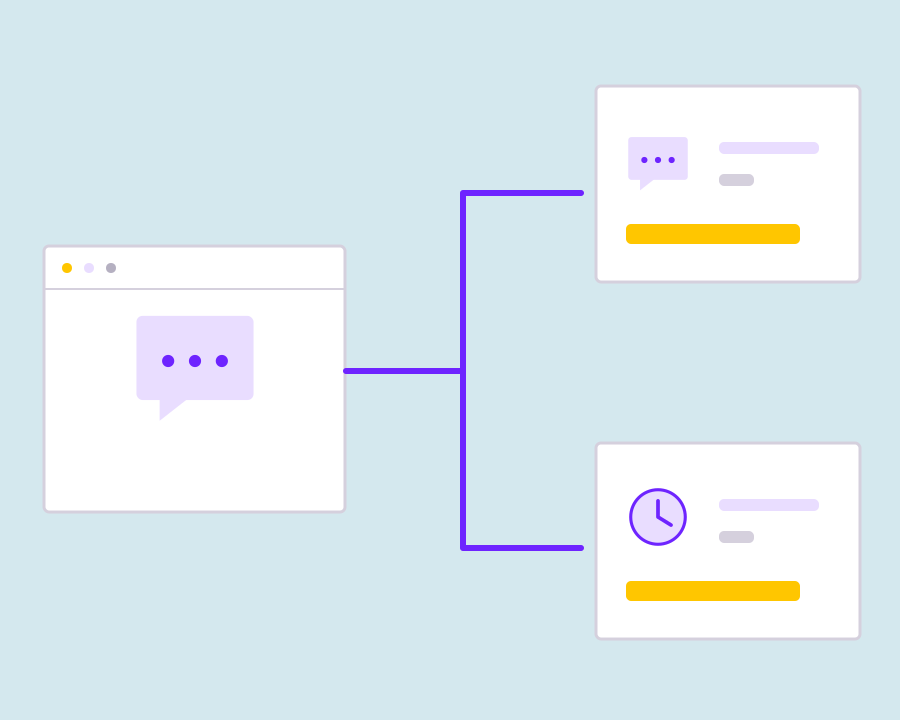
Prepare sender and destination information

Use the configured sender identity and correctly formatted telephone recipients for the message’s purpose. Checking those inputs before submission helps your team distinguish an invalid request from a later delivery problem when investigating an unsuccessful customer notification.

Separate service and promotional traffic

Keep event-triggered alerts distinct from audience-based marketing campaigns in the sending workflow. Use the appropriate sender configuration and message purpose for each request, so operational updates and promotions can be reviewed in the context of how they were submitted.

Review message delivery records

Track the available sending and delivery outcomes after messages enter the gateway workflow. Use those records when reviewing a campaign or investigating a particular recipient, keeping acceptance, failure and delivery information distinct from the customer’s eventual response.

Investigate exceptions before repeating a send

Review the destination, sender, request and available delivery result when messages fail or remain unresolved. Let the evidence guide the next action in your application rather than automatically treating every exception as a reason to send the same message again.

Get started with SMS Gateway.

Choose the connection method

Match REST API or SMPP to the application or infrastructure that will submit messages.

Check the sending inputs

Confirm sender setup, traffic purpose and recipient formatting before passing messages into delivery.

Operate SMS with a clear delivery trail

Use reporting to investigate exceptions and maintain a reviewable record of customer communication.

Frequently asked questions

Setup, use cases and practical answers for your team.

It connects campaign and application requests to SMS delivery. Your team supplies the sender, recipient and message, then reviews the campaign and delivery records in Yournotify.

Yes. Use the REST API for structured application requests or the SMPP integration for an SMS system built around that protocol. The dedicated integration guides explain the connection setup.

Yes. Configure the sender and message purpose for promotional campaigns or transactional updates. This keeps offers, verification codes and service messages in the appropriate sending workflow.

Open the campaign analytics and review the available recipient-level status and failure details. Check the sender, destination number and message settings, then use the campaign record when following up with support.

Read setup guides and more FAQs →   Explore API documentation →

Operate SMS with a clear delivery trail.

Connect campaign and application SMS to a consistent delivery workflow. Prepare sender identities and telephone recipients, submit traffic through the appropriate integration, and use delivery records to understand message handling across supported destinations.

Get Started