Bulk SMS Marketing Campaigns

Plan bulk SMS campaigns around an audience, an offer and a clear next step. Choose relevant lists or segments, personalize the message, set the sending time and review delivery results so each promotion has a defined purpose.

Build an SMS promotion from audience to response

Keep campaign targeting, short message content, sender setup and delivery review together when preparing an announcement, offer or reminder.

Yournotify customer logos

Build an SMS promotion from audience to response.

Keep campaign targeting, short message content, sender setup and delivery review together when preparing an announcement, offer or reminder.

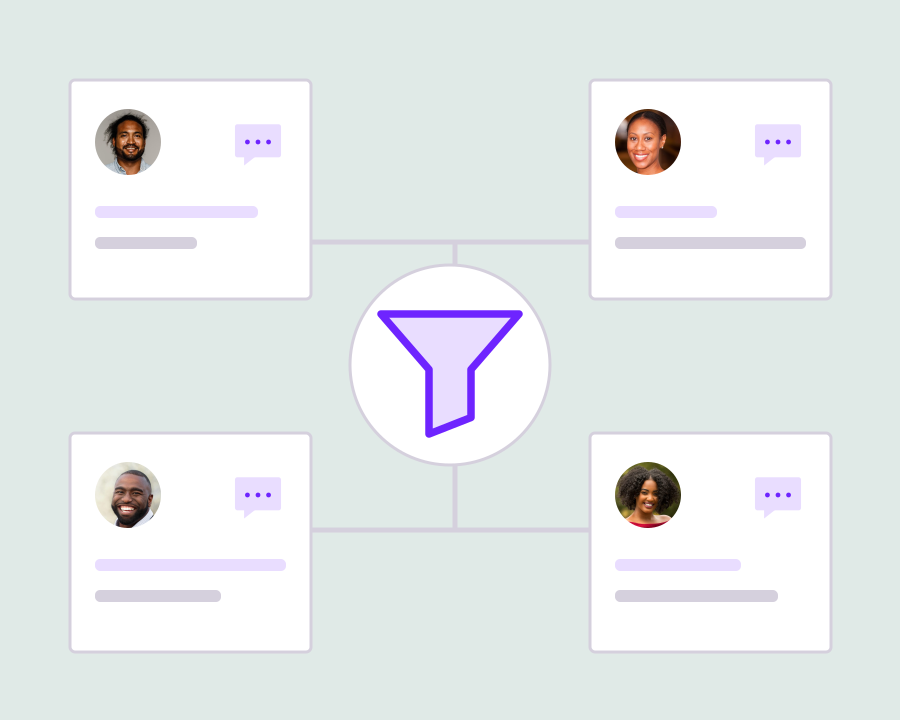
Select the audience for this offer

Choose the contact lists or segments relevant to the promotion you are running. Review telephone availability and communication permissions before sending, and keep the audience focused on people for whom the announcement or offer has a useful reason to arrive.
Write a message with one clear action

Prepare concise copy with the offer, relevant details and an understandable next step. Use suitable personalization where it helps the recipient, and review message length so important information is not lost inside a crowded or confusing SMS.

Prepare the promotional sender and timing

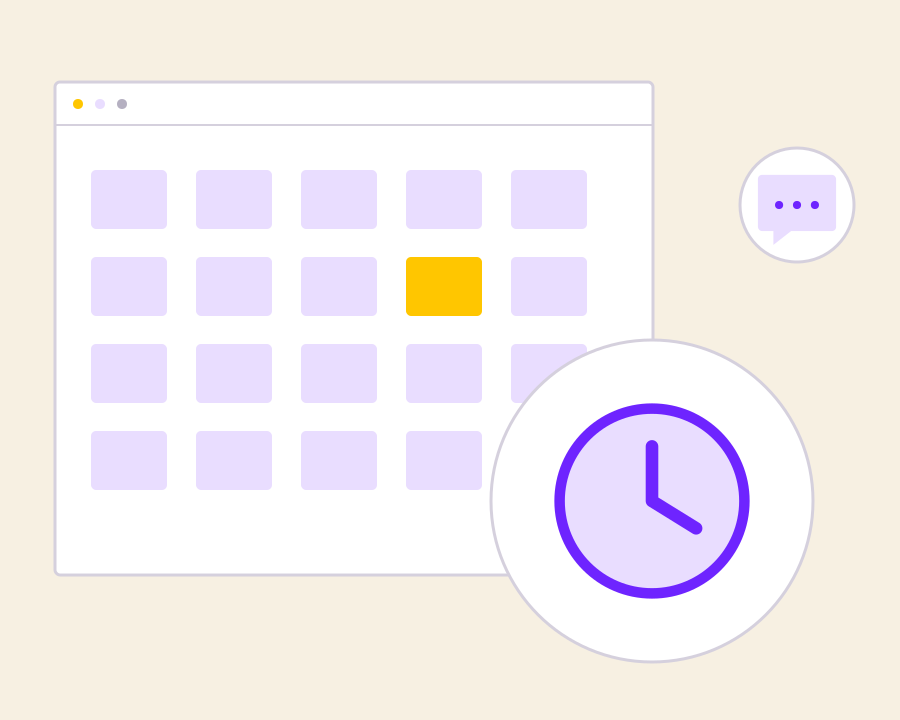
Use the appropriate configured sender for promotional traffic and choose when the campaign should run. Confirm the final audience and message before scheduling, keeping the communication tied to the offer period and the customer’s expected next action.

Review delivery before the next campaign

Inspect the campaign’s sending and delivery results to understand what happened after submission. Use the records to investigate failures and improve audience quality, wording or timing for the next promotion, without confusing a delivered message with a completed sale.

Get started with Bulk SMS Marketing Campaigns.

Choose a relevant offer audience

Start with the purpose of the promotion and the people who have permission to receive it.

Check the SMS before sending

Review the wording, sender, recipient selection, message length and campaign timing together.

Improve the next promotion

Use delivery results and the response to the offer to refine your next audience and message.

Frequently asked questions

Setup and everyday use of Bulk SMS Marketing Campaigns.

Promotional campaign workflows support scheduling. Confirm the sender setup, audience and selected send time before activating the campaign.

Use the appropriate transactional or verification workflow for a specific customer action. Promotional campaigns are intended for audience-based marketing messages.

No. Delivery status describes message delivery, not a reply, purchase or other business outcome.

Read setup guides and more FAQs →   Explore API documentation →

Improve the next promotion.

Plan bulk SMS campaigns around an audience, an offer and a clear next step. Choose relevant lists or segments, personalize the message, set the sending time and review delivery results so each promotion has a defined purpose.

Get Started