SMS API for OTPs, alerts and customer campaigns

Connect your application to SMS delivery in Nigeria, Kenya and across Africa. Send verification codes, payment updates and bulk messages using one API, with sender identities and campaign reports your team can follow.

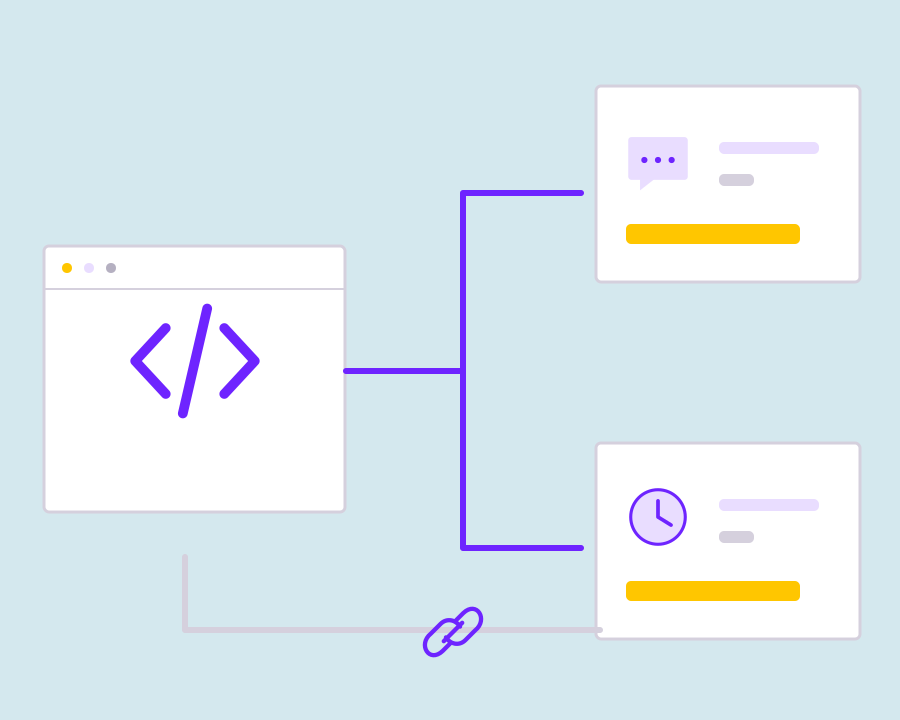
Connect SMS requests to your application workflow

Build around the recipient, sender, message and sending purpose so delivery remains understandable when the application needs to report an outcome.

Yournotify customer logos

Build SMS into the moments customers act.

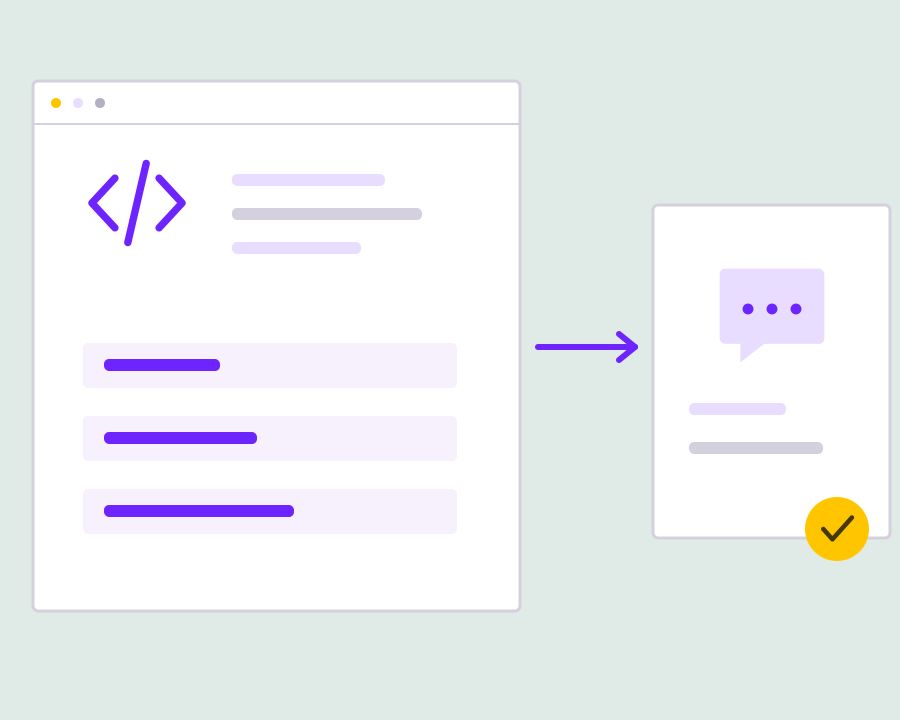
Turn a signup, payment or customer update into a timely SMS. Prepare the recipient and message, submit the API request and follow the delivery record from the same workspace.

Prepare the recipient and message payload

Use the documented request format to supply the intended telephone recipients and SMS content. Validate the information before submission and keep the request associated with the application event or campaign that caused the message to be sent.
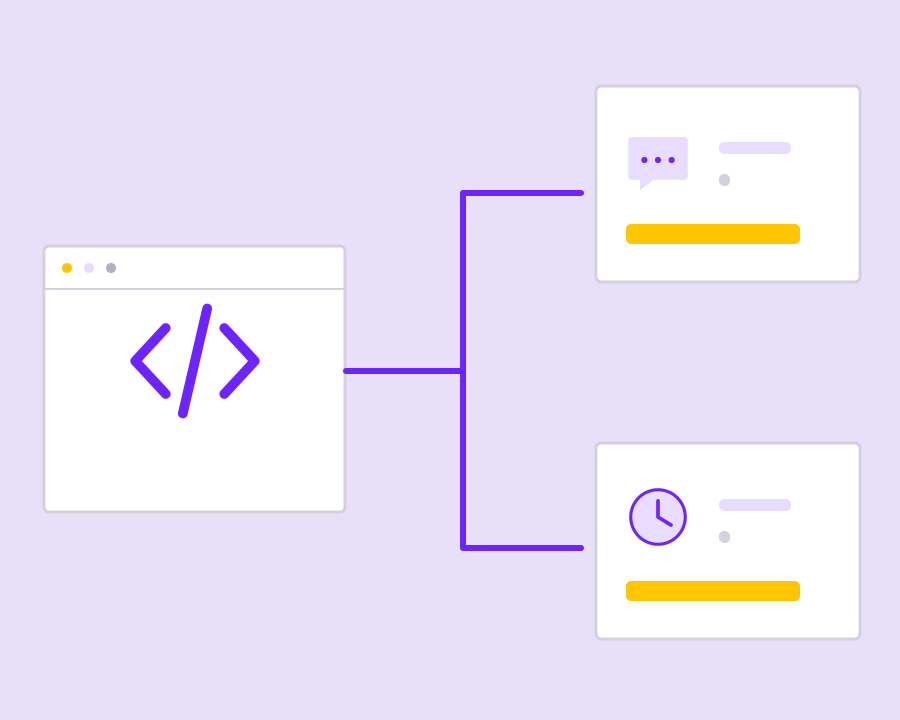
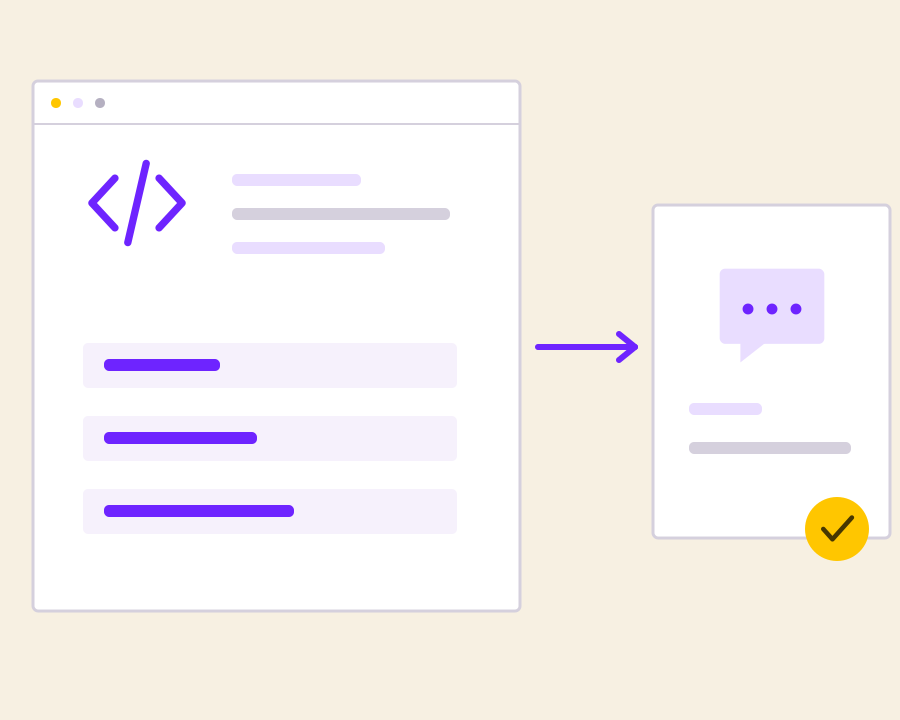
Choose the correct sending purpose

Use the sender and sending mode appropriate to the message. Immediate transactional updates go to explicit recipients, while promotional activity can use its configured audience and schedule; keeping these purposes separate helps the integration handle each request correctly.

Handle the response before continuing

Inspect whether the sending request was accepted and retain the useful reference information returned to your application. Handle validation and account errors explicitly so the operator or customer sees a meaningful result instead of an assumed successful send.

Connect delivery outcomes to your records

Use the available reporting and documented event workflows to understand the message outcome after submission. Keep that delivery context with the customer action so support and engineering can investigate a notification without searching through disconnected application logs.

Test changes before a wider send

Check a controlled request with the intended sender, message format and recipient handling before applying an integration change broadly. Review failures and duplicate-send risks in your application, especially when a retry could produce another customer-facing message.

Get started with SMS API for Developers.

Map the message request

Define the recipient, content, sender and purpose for each application workflow.

Handle acceptance and errors

Keep response information and surface unsuccessful requests to the people who can resolve them.

Build traceable SMS delivery

Connect delivery outcomes to your application records for a clearer operational history.

Frequently asked questions

Setup, use cases and practical answers for your team.

Authenticate with your API key and submit a request to POST /campaigns/sms using your sender, message, recipients and campaign status. The API documentation provides the current fields, example requests and responses.

Yes. Your application can trigger OTPs, receipts and service updates using the appropriate transactional SMS sender. Your application creates and verifies the code; Yournotify handles the message delivery workflow.

Yes. Use the campaign request to connect your sender, message and audience. Saved lists support repeat campaign workflows, while explicit recipient data supports event-driven messages.

The SMS API documentation includes sandbox validation using X-YN-SANDBOX: 1 or sandbox: true. Use it to check your request structure, then run a controlled live test to verify the complete delivery workflow.

Use the current SMS unit rate and the total billable message segments. At ₦7 per unit, 1,000 one-unit messages cost ₦7,000. Message length and encoding determine the number of units used.

Read setup guides and more FAQs →   Explore API documentation →

Build traceable SMS delivery.

Add SMS sending to your application with explicit recipients, message content and the correct sender setup. Connect each request to a product event or approved campaign workflow, then retain the response and delivery context for operational review.

Get Started