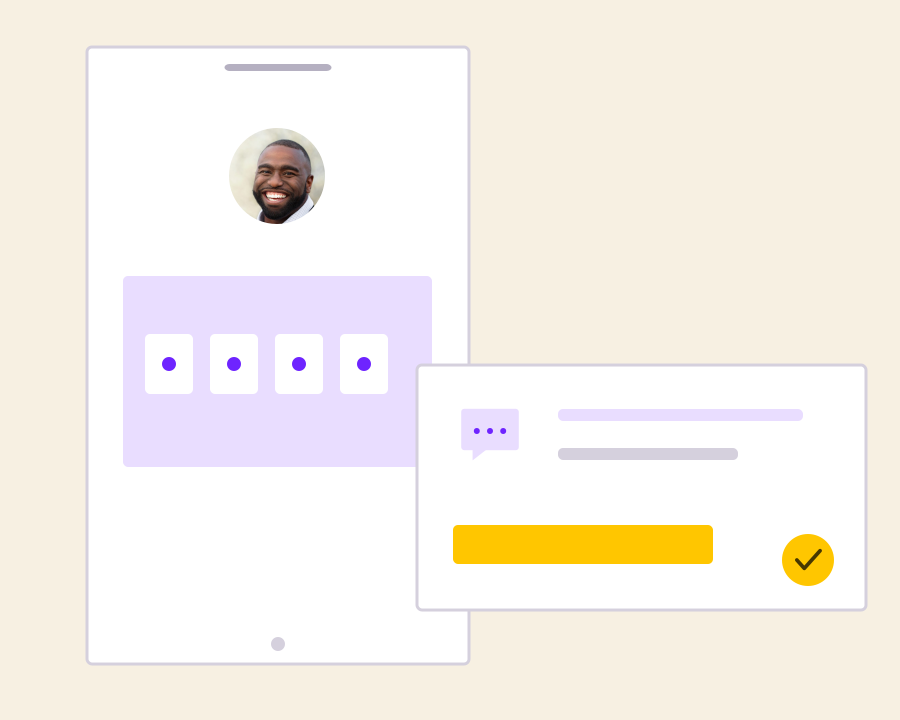
OTP SMS delivery for signups, logins and payments

Help customers complete important account actions with a recognizable verification message. Connect Yournotify SMS to your application in Nigeria, Kenya and across Africa, and track the delivery of each verification campaign.

Make code delivery part of a clear verification flow

Keep the customer’s request, the code message and the delivery outcome connected, with verification rules owned by your application.

Yournotify customer logos

Move customers from verification request to next step.

Use a clear, timely SMS at the point a customer needs a code. Your application manages code creation, expiry and validation while Yournotify connects that event to the sending and reporting workflow.

Trigger a code for the action being verified

Start the SMS when the customer requests signup, login, recovery or another verification step. Keep the recipient and the action together in your application so the code has a clear purpose and reaches the number involved in that request.

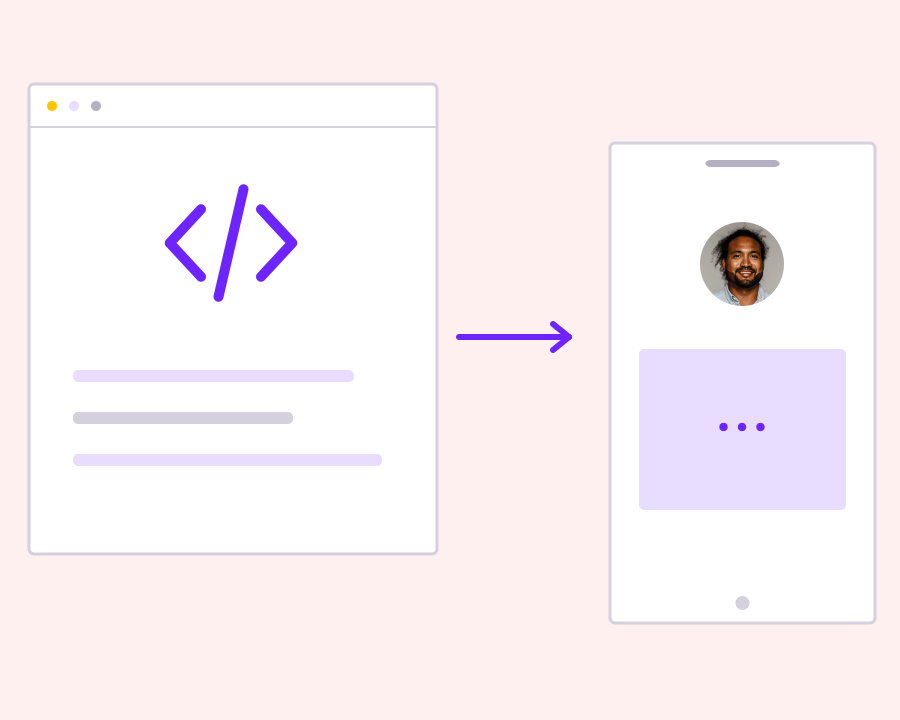
Use a recognizable verification message

Write a short code message that identifies your service and explains the purpose of the verification. Include any relevant expiry information from your application, making the SMS easy to recognize without adding promotional copy or an unrelated call to action.

Send through the appropriate SMS setup

Submit the code message with an explicit telephone recipient and the sender configuration suited to transactional traffic. Retain the sending reference so your application or support team can investigate delivery when a customer reports that the code has not arrived.

Manage expiry, retries and validation in your app

Control how long a code remains valid, how many attempts are allowed and when another request can be made. Message delivery is one part of the flow; receiving an SMS is not itself proof that the customer completed verification.

Review unsuccessful code delivery

Check the delivery result before deciding what the customer should do next. Present a useful status in your product and apply your retry rules carefully, so a delayed message does not lead to repeated sends or confusion about which code is current.

Get started with OTP SMS Service | Verification API.

Connect the code to an action

Keep the verification purpose and intended number with the request.

Keep the customer informed

Explain the expected code message and show an appropriate status while delivery is being reviewed.

Build a controlled verification experience

Apply your own expiry, retry and validation rules alongside the SMS delivery workflow.

Frequently asked questions

Setup, use cases and practical answers for your team.

Yes. Connect the SMS API to your signup, login, payment or account-recovery flow and use your configured transactional sender. Include the code and a clear explanation of the action being verified.

Your application creates the code, sets its expiry and verifies the customer’s response. Yournotify delivers the SMS containing that code and provides the associated sending and delivery records.

Yes. The SMS API also supports service messages such as receipts, order updates and account alerts. Prepare a message and sender appropriate to each customer event.

Use a short message with the verification code, the brand or action it relates to and useful expiry information. Keep the code easy to identify and review the SMS length before sending.

Read setup guides and more FAQs →   Explore API documentation →

Build a controlled verification experience.

Deliver one-time SMS codes as part of signup, login or account confirmation. Connect the code message to the verification request, send it to the intended telephone number and review delivery while your application controls expiry and validation.

Get Started